Skill 01
Spot what's worth automating
A simple lens for finding the repetitive steps in your own week. Volume, pain, stability, and owner. Not everything should be automated, and this is how you tell.
Every team has those small tasks that eat the week: retyping data, chasing approvals, moving files, sending the same email. This programme teaches your own people to spot what can be automated, build the flow in Power Automate, and hand it over to the rest of the team. No IT ticket needed.
Six skills that take participants from noticing the copy-paste in their own week to delivering an automation their team can maintain.
A simple lens for finding the repetitive steps in your own week. Volume, pain, stability, and owner. Not everything should be automated, and this is how you tell.
Draw the process end-to-end: trigger, steps, branches, handoffs, exceptions. Fifteen minutes with a marker saves hours of rebuilding later.
Triggers, actions, expressions, connectors. The patterns you'll reuse in 80% of the flows, and the ones to avoid because they break silently.
SharePoint, Teams, Excel, Outlook, Forms, Dataverse, and the connectors into your ERP or CRM. Your automation works with the business, not around it.
Adaptive cards in Teams, approval flows, escalation paths. The difference between a flow that empowers people and one that annoys them.
Error handling, run history, automatic retries, alerts when something breaks. Plus a short playbook so the flow keeps running when the person who built it is on holiday.
Three stages, six to twelve participants. Everyone brings a real process they want to automate, and that process becomes the case we work on together.
About two hours, self-paced. Covers Power Automate basics so every participant is on the same starting line before the in-person days.
A full day at one of our training locations. We map and build, each participant leaves with a working first version of their own automation.
Two to three weeks later, on your premises. We review what ran, fix what broke, tackle the harder patterns, and plan the next wave.
Many Microsoft 365 plans include enough Power Automate to get real work done. For more advanced connectors (premium data sources, RPA-style desktop flows) you may need a per-user or per-flow plan. We help you scope what you actually need before we start.
Not quite. We focus on cloud flows: links between the tools you already use through APIs and connectors. Power Automate Desktop (the RPA flavour) is covered briefly as a fallback for older apps without APIs.
Yes. Our services team builds the critical flows, while the Academy trains your own people to maintain them and build the next ten themselves.
Yes. If you feel we did not deliver the value we promised, we refund the full programme fee. No long conversations, no small print.
Book a free thirty-minute call. Bring the three tasks you dread most. We'll tell you which would make the best training case, and what's next.
Book a discovery call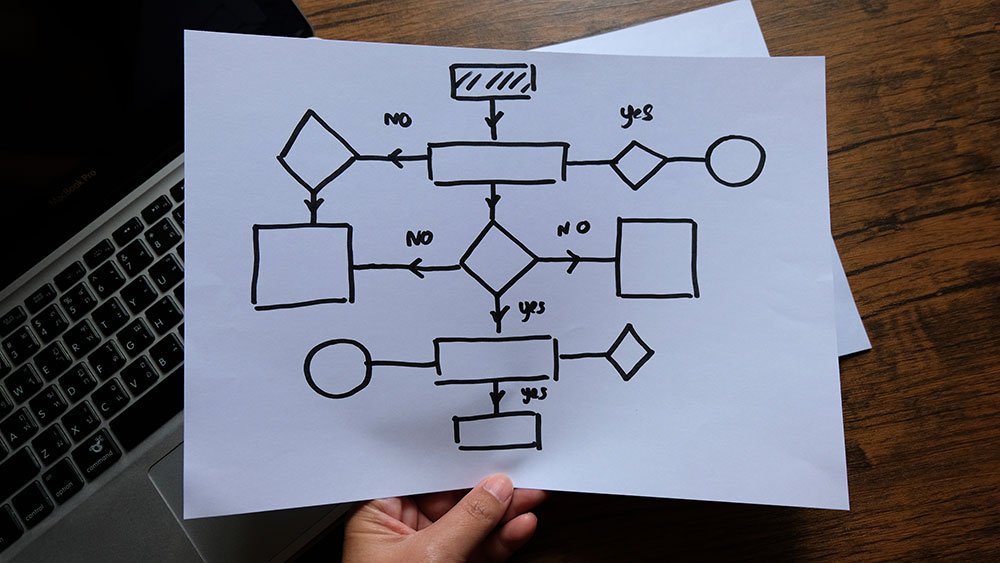
Most businesses overcomplicate automation by chasing AI hype. Learn how small, practical steps, from dataflows to AI agents, deliver the biggest impact.
Read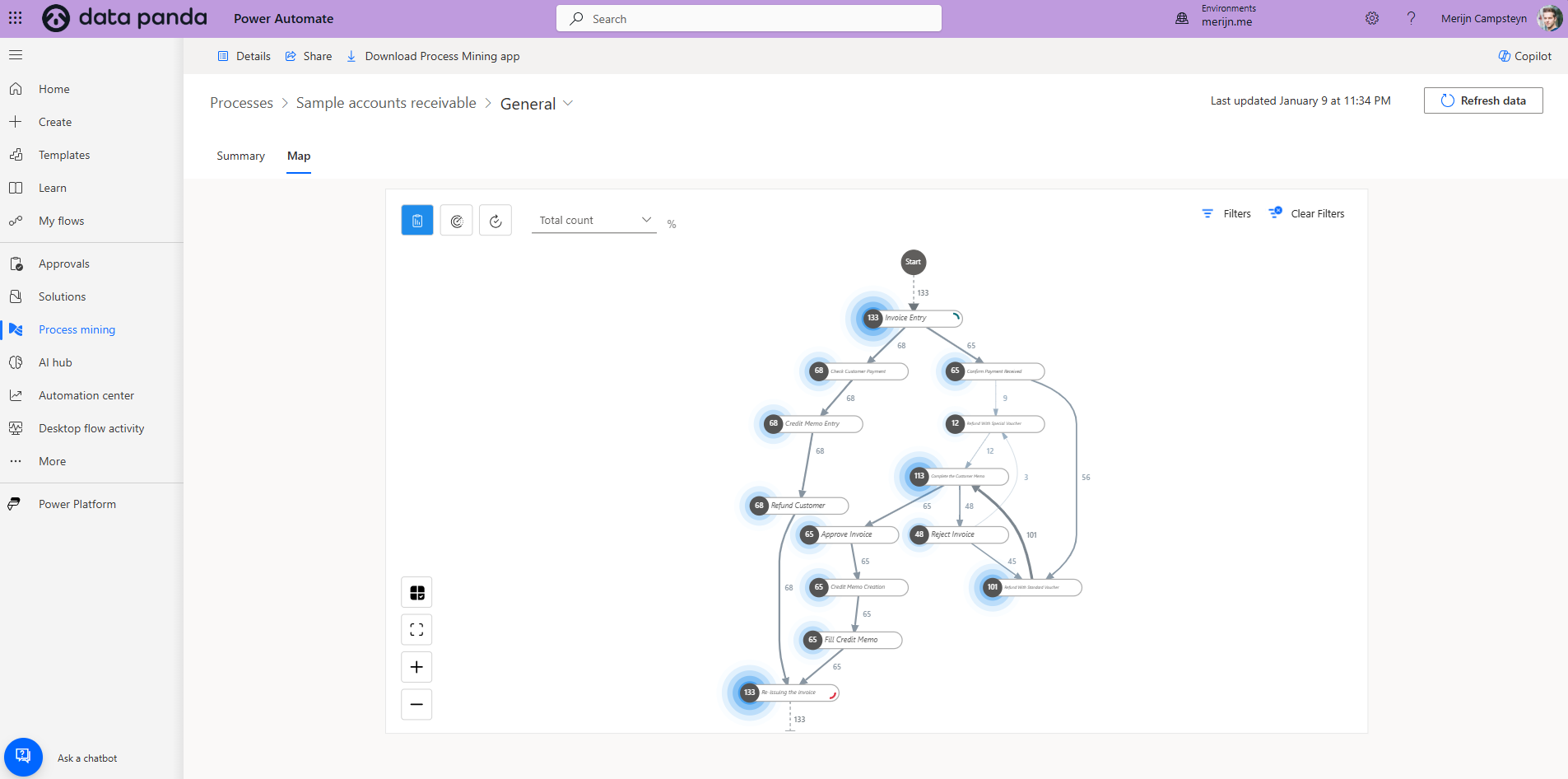
Learn how to transition from process mining to process automation to streamline operations and drive efficiency. Practical insights and tools included.
Read
Learn how to leverage Microsoft Power Automate’s process mining module for efficient process automation and actionable insights.
Read