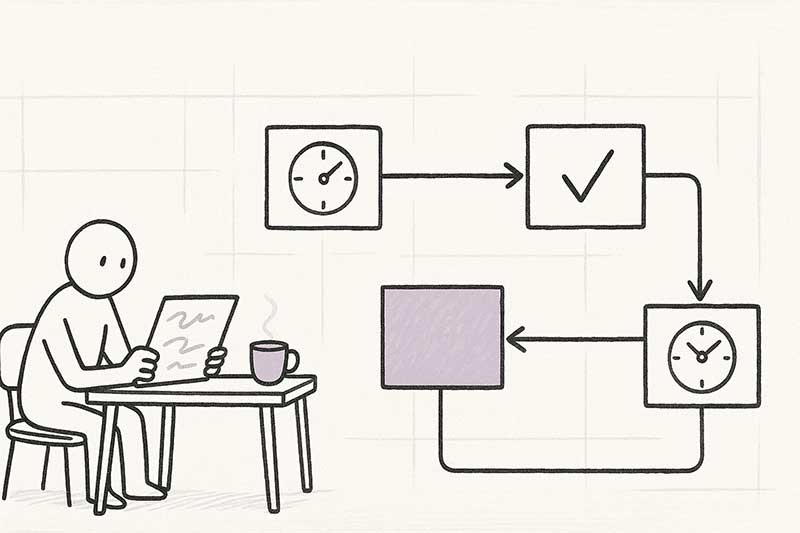
process mining
How to create an event log for process mining
A step by step guide on how you can create an event log for process mining.
ReadUsing the data you already have in your ERP or accounting system, we chart how orders, invoices and requests really move through your company. You see exactly where things stall, ranked by what it costs you. And we build the fixes right after.
What you hold at the end of a mining project, before a single thing is automated.
Not the flowchart in the handbook. The route your orders and invoices actually took, every variant, straight from your own timestamps.
Each step measured, so "it feels slow" becomes "approvals sit for 4.2 days and it costs us this much".
The three fixes worth doing first, ordered by what they pay back. The argument about where to start ends with a number.
It keeps measuring after we leave, so you can see whether the fix actually held instead of taking our word for it.
No new software, no extra system. The data we need is already sitting in your existing ERP, accounting package or CRM.
Every order, invoice or request in your systems gets an automatic timestamp: when it was created, who approved it, when it was delivered. Those are digital fingerprints, already there, without anyone having to do anything extra.
We pick those fingerprints up and draw a map with them: the route every order, invoice and request actually took through your business. Not the route in the procedure handbook, but the one in reality.
On that map you see two things side by side. The happy path: the straight line the way you intended it, from A to B to C. And the desire paths: the detours, double steps and loops your people take in practice. That's where the delays, rework and frustration almost always sit.
One process. Three small fixes. A big impact on service and cash.
We worked with a wholesaler where some orders kept dragging on. The sales team pointed at the warehouse. The warehouse pointed at admin. Nobody could say exactly where the delay sat.
We connected to their ERP and pulled every order from the past year. On the process map we saw it immediately: the path from order to delivery was peppered with manual steps. Stock was checked by hand in a separate file every time, approvals went by email, and the invoice only left after someone in the warehouse signed off the delivery on paper.
In the sprints that followed we built the fixes: stock check automated, approvals in Teams, invoice generated automatically the moment delivery is confirmed. Three bottlenecks, three small automations.
The result: deliveries went out 60% faster. Invoices left two weeks earlier. Happier customers, healthier cash flow.
If you've heard at least one of these lines in the past month, process mining is probably for you.
You can feel things slowing down. Your team points at each other. Nobody has the numbers. We show you which step has drifted, for which customers or products, and by how many days.
Almost always because nobody was sure which process to tackle first. We lay out plainly which bottleneck pays back most. That way you pick the next automation right, instead of on instinct.
The classic. Every department points at the next. Process mining shows you how long each step actually takes, and which one keeps causing the delay.
You don't need a new system, an extra team or a reversal of how your company runs. Everything needed, you already have.
Already in your ERP, accounting package or CRM. Business Central, Dynamics, HubSpot, Exact, Odoo, SAP. Every system where orders, invoices or tickets pass through has the timestamps we need.
We work in Power BI and Microsoft Fabric. If you have a Microsoft 365 subscription, you already have the license. No new software to buy, no extra yearly subscription.
One two-hour kick-off. Half a day from one IT colleague to help set up the connection. A 30-minute weekly stand-up. That's it. The work sits with us.
We're not a big consulting firm. We're a small team in Leuven, specialized in Microsoft, with both the mining and the build skills in the same group.
A mining project almost always ends in an automation. Once you know where the time is going, we help you automate those steps. Short sprints, concrete achievable steps toward a result. You see change within weeks, and the investment starts paying back.
Pick a process. We'll connect it, map it and show you the top three opportunities. Fixed price, fixed scope, a working dashboard you own at the end.
Book a discovery call
A step by step guide on how you can create an event log for process mining.
Read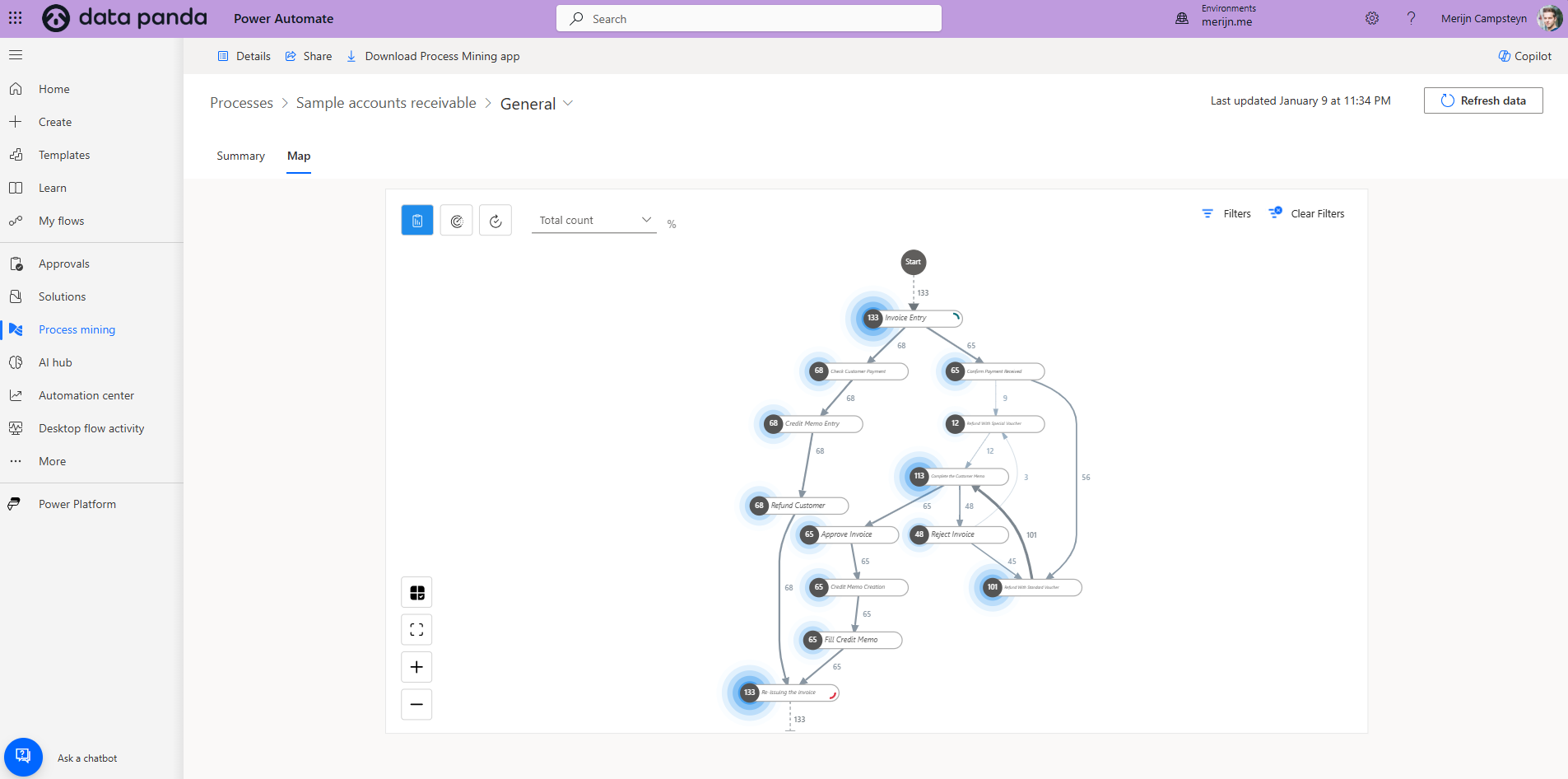
Learn how to transition from process mining to process automation to streamline operations and drive efficiency. Practical insights and tools included.
Read
Learn how to leverage Microsoft Power Automate’s process mining module for efficient process automation and actionable insights.
Read