Skill 01
Shape and clean raw data
Power Query basics. Reshape exports, repair messy tables, and build a data foundation that holds up beyond the demo.
Your team learns to clean up data, build Power BI reports people actually open, and guide the rollout around them. Because a dashboard only pays back when it leads to different decisions. Built for people who know their job, not for IT.
Six concrete skills. Technical enough to build real things, broad enough that the reports land in the team instead of staying with the builder.
Power Query basics. Reshape exports, repair messy tables, and build a data foundation that holds up beyond the demo.
Relationships, a clean model structure, the few measures that matter. A model your colleagues can extend without breaking it.
Useful visuals, the essential DAX, and reports that load fast and answer a real question instead of decorating the wall.
Layouts that guide the eye, a tailored view for each role, the same logic everywhere. Colleagues find answers without a manual or a phone call.
Ownership, access, trusted datasets, and why a quick shortcut today costs the team credibility tomorrow. The practical side of clear ground rules.
Getting the right people on one line, rolling out the report, and building habits that stick. We also coach your team on how to get colleagues to really pick it up, so dashboards drive new decisions instead of new email.
Three stages, six to twelve participants. Structured so your people arrive prepared and leave productive.
About two hours, self-paced. Covers Power BI basics so every participant is on the same starting line before the in-person days.
A full day at one of our training locations. Away from the office, away from email. Catering and venue included.
Two to three weeks later, on your premises. Advanced topics, real questions from your business, and a review of the reports your team has started to build.
No. The online primer brings everyone to the same starting line. Participants should be comfortable in Excel and motivated to learn.
The programme uses Microsoft Power BI. You need an existing Power BI environment, or be willing to buy the licences. We help you pick the right ones before we start.
Yes, and it often does. Teams who are also using our reporting service pair the Academy with the build so they can extend the reports themselves afterwards.
Yes. If you feel we did not deliver the value we promised, we refund the full programme fee. No long conversations, no small print.
Book a free thirty-minute call. We'll talk through the group, your systems, and what the first month after the programme should look like.
Book a discovery call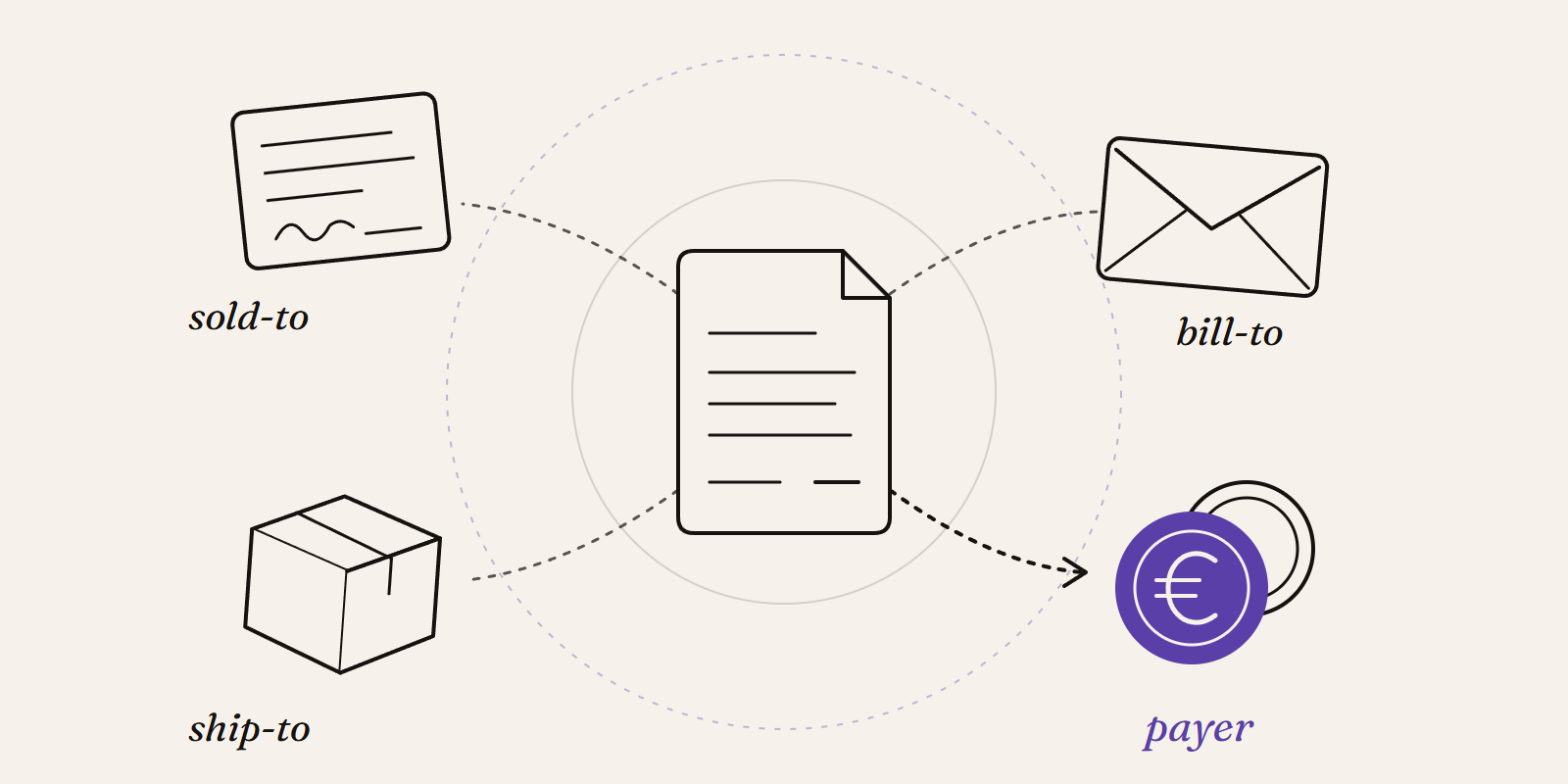
Sold-to, ship-to, bill-to and payer in SAP explained with a concrete example: who gets the invoice, whose account the receivable sits on, and which customer to use in your reports.
Read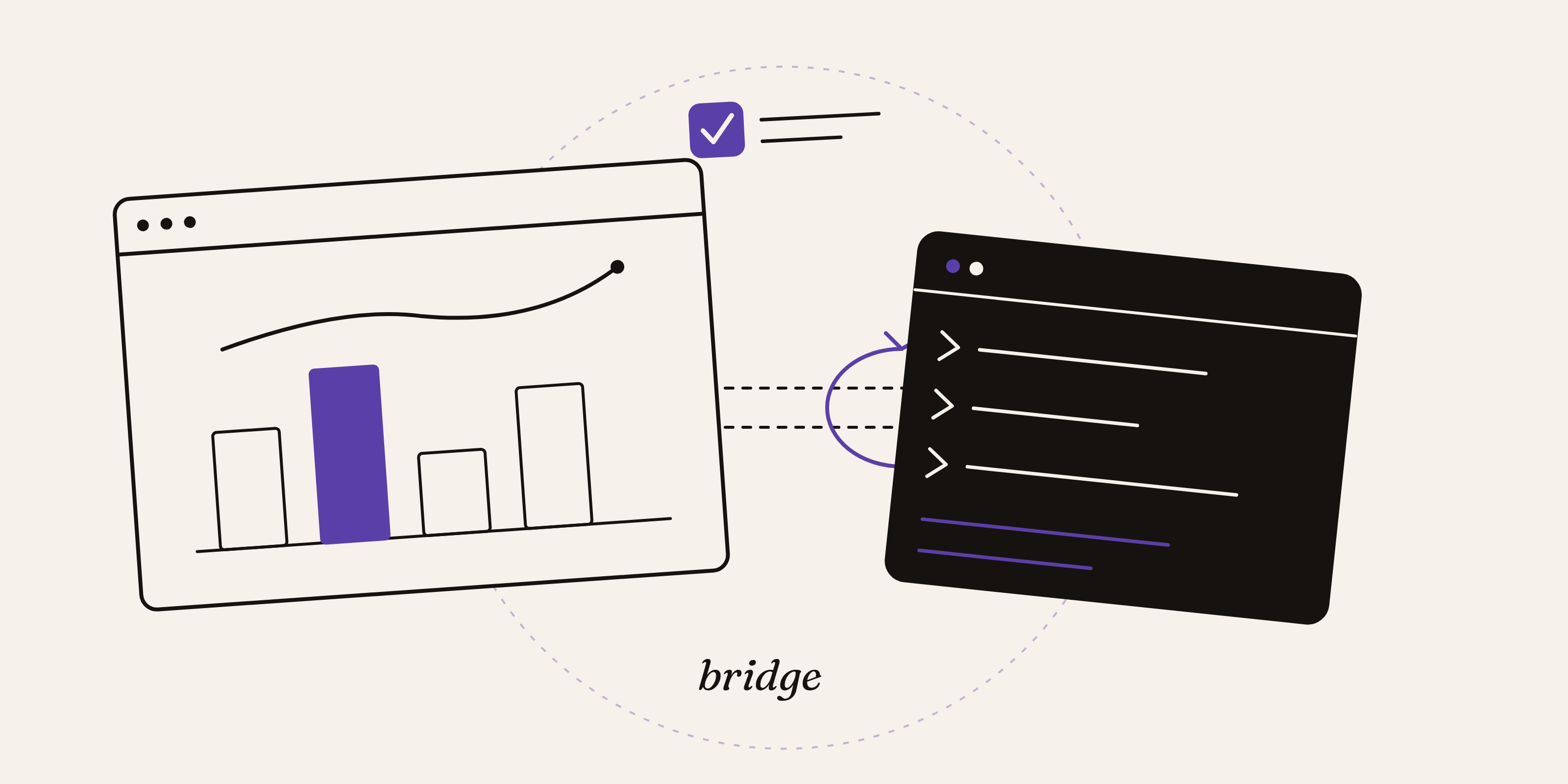
The June 2026 Power BI Desktop Bridge lets an agent build and verify reports. Here is how to enable it and install the two CLIs the docs leave out.
Read
Simple guide to set up version control for Power BI using PBIP, Git and clean repo structures. Learn branching, deployments and safe AI workflows.
Read