Harnessing Process Mining with Microsoft Power Automate for Streamlined Process Automation
Organizations striving for operational efficiency and agility in today’s competitive environment often overlook a key enabler in their existing toolkit: Microsoft Power Automate. By leveraging its process mining module and integration capabilities with Power BI, businesses can gain unparalleled insights into workflows and take the first step toward comprehensive process automation. This cohesive approach, powered by tools such as Copilot, makes transforming business processes both cost-effective and accessible.
What Is Process Mining in Microsoft Power Automate?
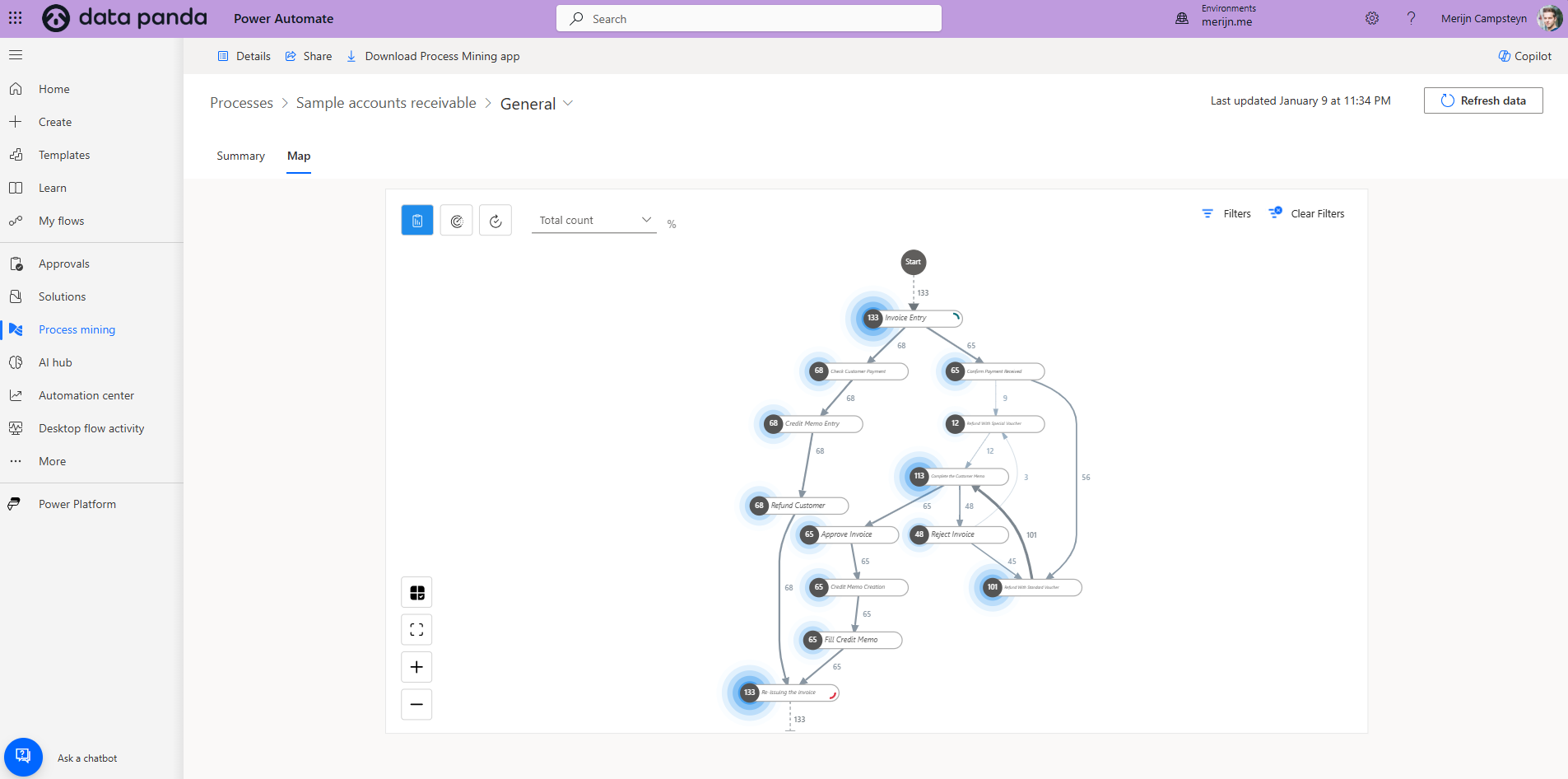
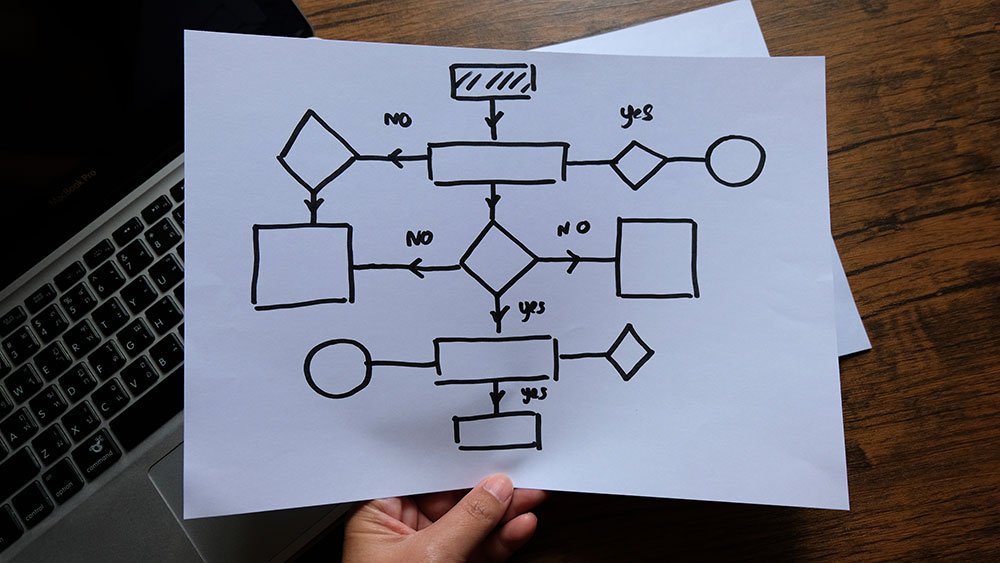
Process mining in Microsoft Power Automate is a feature designed to help organizations uncover inefficiencies, bottlenecks, and variations in their workflows. It works by analyzing event logs from systems such as ERP or CRM to visualize how processes operate in reality, enabling data-driven improvements.
Key Advantages of Power Automate Process Mining
- Cost-Effective Solution: Included within the Microsoft ecosystem, eliminating the need for expensive third-party tools.
- Seamless Integration: Works directly with Power BI, enhancing your existing analytics framework.
Actionable Insights: Pinpoints areas ripe for automation and improvement.
Using this module, organizations can shift from theoretical process improvement to real-world data-backed optimization.
The Role of Power BI in Process Mining Visualization
One of the standout benefits of Microsoft Power Automate's process mining module is its ability to integrate with Power BI. This allows businesses to create highly customizable visualizations of process flows directly within their existing Power BI dashboards.
Benefits of Integrating Process Mining with Power BI
- Unified View: Consolidates process insights with other business intelligence metrics.
- Interactive Reports: Enables stakeholders to explore and drill down into workflows visually.
Dynamic Updates: Reflects real-time process changes, ensuring up-to-date insights.
By embedding process mining visuals into Power BI reports, organizations can achieve a coherent, data-driven approach to decision-making.
Microsoft Power Automate for Business Process Automation
Once inefficiencies are identified through process mining, Power Automate becomes the next logical step in the automation journey. Power Automate allows organizations to build low-code or no-code workflows to automate repetitive tasks, ensuring faster and more consistent operations.
Key Features of Power Automate for Automation
- Low-Code Development: Simplifies workflow creation for users without technical expertise.
- AI-Powered Copilot: Assists with analyzing process mining data and building automation solutions.
Scalability: Handles everything from simple task automation to complex enterprise workflows.
Whether automating invoice approvals or streamlining employee onboarding, Power Automate adapts to various business needs.
Define Objectives
Start by identifying what you want to achieve. Use Power BI to set clear KPIs for improvement, such as reducing order processing time by 20% or increasing compliance rates.
Data Collection and Analysis
- Use Power Automate to collect event logs from relevant systems like Microsoft Dynamics 365, SharePoint, or external data sources.
Clean and prepare this data to ensure accuracy for analysis.
Visualize Processes in Power BI
- Use the process mining module in Power Automate to map out workflows.
- Import the process mining visuals into Power BI for enhanced reporting.
Analyze bottlenecks, inefficiencies, and high-variance tasks in your existing processes.
Identify Automation Opportunities
Using insights gained from process mining, prioritize processes for automation based on criteria such as:
- Volume of tasks.
- Manual effort required.
Alignment with business objectives.
For instance, automating the document approval process may yield significant time savings and error reductions.
Build Automation Workflows with Power Automate
- Leverage Power Automate’s intuitive drag-and-drop interface to design workflows.
- Use pre-built connectors for Microsoft 365 applications like Excel, Outlook, and Teams.
Employ Copilot to streamline workflow creation and optimize automation strategies.
Test and Monitor Automated Workflows
- Validate the functionality of workflows in a controlled environment before deployment.
- Use Power BI dashboards to monitor the performance of these automations, tracking metrics like processing time and error rates.
Leverage the Power of Copilot
Microsoft’s AI-powered Copilot can assist in analyzing process mining data and crafting automation workflows tailored to specific business needs.
Focus on End-to-End Solutions
Integrate process mining with automation and reporting to create a seamless, end-to-end improvement loop.
Upskill Your Workforce
Provide training on Power Automate and Power BI to empower employees to take full advantage of these tools.
Scale Gradually
Start with smaller workflows to gain experience, then expand to more complex processes as your organization matures in its automation journey.
FAQs
How do I access the process mining module in Power Automate?
The process mining module is part of Microsoft Power Automate’s premium offerings. It integrates easily with Power BI for advanced reporting.
Can process mining in Power Automate be used across industries?
Yes. Whether in finance, healthcare, or retail, process mining can uncover inefficiencies in workflows applicable to all sectors.
How does Copilot enhance the use of Power Automate?
Copilot uses AI to help analyze process mining data, identify bottlenecks, and suggest workflow automation strategies.
What are the advantages of using Microsoft tools over third-party solutions?
Microsoft’s process mining and automation tools are cost-efficient, seamlessly integrated, and user-friendly, making them ideal for organizations already using the Microsoft ecosystem.
Can I use Power Automate for complex automations?
Absolutely. Power Automate supports both simple task automations and intricate, enterprise-grade workflows.
How can I monitor the performance of my automated processes?
You can embed process mining and automation insights into Power BI dashboards for real-time monitoring and reporting.
Conclusion
Microsoft Power Automate, coupled with Power BI and supported by Copilot, provides an all-in-one solution for businesses aiming to optimize their processes through data-driven insights and automation. By utilizing the process mining module, organizations can identify inefficiencies, visualize workflows, and implement targeted automation solutions, all within a familiar ecosystem.
This integrated approach not only simplifies the transition from insight to action but also ensures continuous improvement through dynamic monitoring and analysis. With Microsoft’s tools at the helm, organizations can streamline operations, reduce costs, and achieve a sustainable competitive edge.