Every business has a few jobs that quietly drain the week. Someone retypes invoice numbers from a PDF into the ERP. Someone else forwards the same daily report to the same five people every morning. It adds up, and it keeps the good thinking out of your team's calendar.
Automating that work does not require AI, a consultant army, or a six-figure budget. If you already pay for Microsoft 365, the tools are in the drawer. The hard part is picking the right one to start with, and not getting stuck on the wrong shape of problem. These ten steps are the ones we walk clients through before we touch Power Automate.
1. Write down where the week actually goes
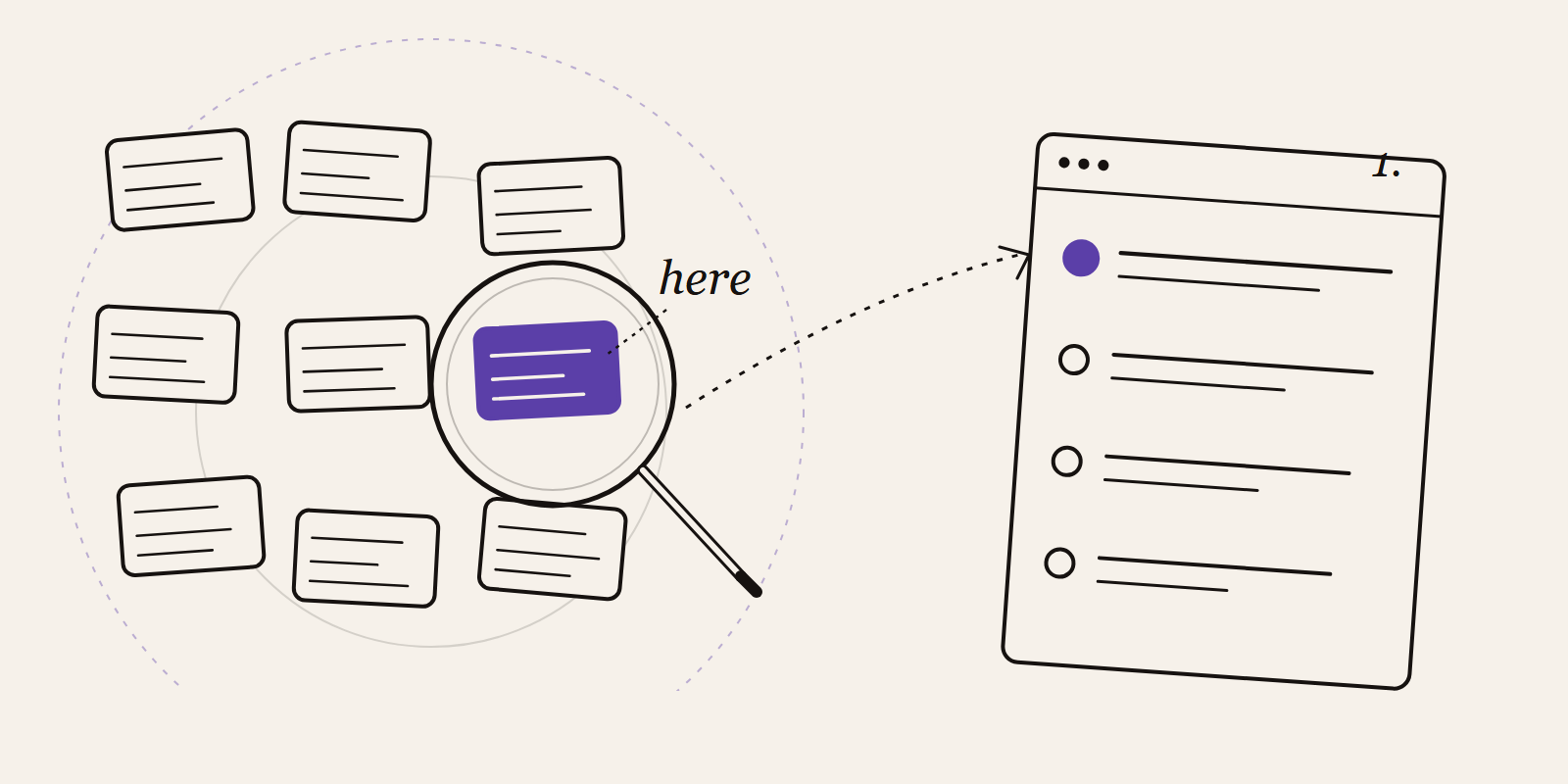
For one week, note the small tasks that keep coming back: the copy-paste, the chasing for approvals, the weekly spreadsheet stitch-up, the Monday status email. Don't estimate, write them as they happen. You'll end up with a short list that already ranks itself by pain.
2. Pick a target you can measure
"Save time" is not a goal, it's a feeling. "Get the monthly report out by the second working day instead of the fifth" is a goal. So is "zero manual invoice entries per week" or "approvals done the same day". Pick two numbers and write today's value next to them. That's your baseline.
3. Ask the people who do the work
The person who files the claims or closes the books already knows where it hurts. They also know the edge cases that will break a naive flow: the supplier that invoices twice, the client who emails PDFs instead of using the portal, the manager who always forwards from a shared inbox. Sit with them for half an hour before you design anything.
4. Fix the process first, automate second
If the current process has four approvers, two of whom never reply, automating it just makes the delay faster. Clean the steps before you wire them up. A bad process with a bot on top is still a bad process, just one that now runs unattended.
5. Start with one flow, not a platform
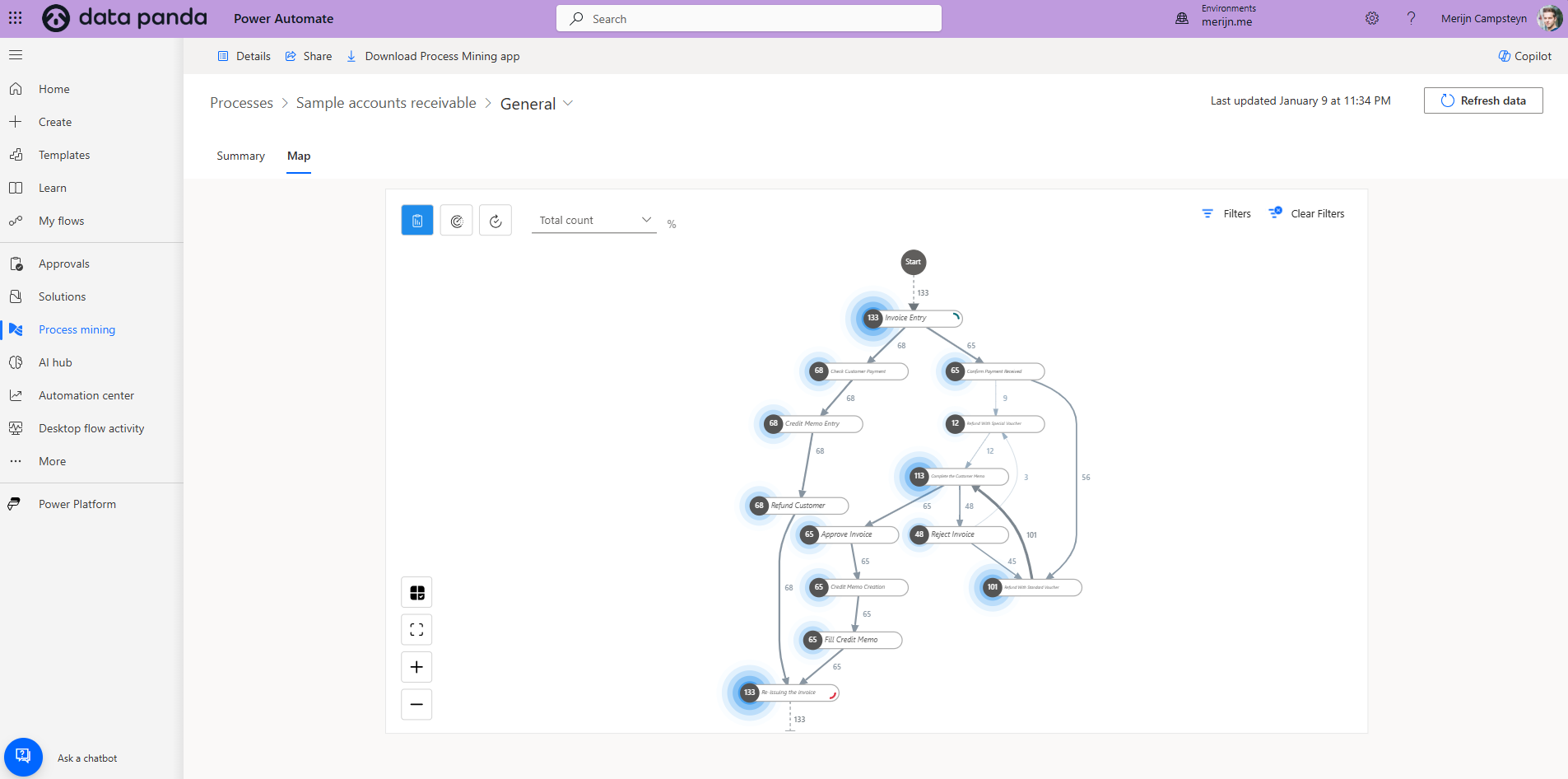
Skip the six-month "automation programme" kickoff. Pick one process that's painful, small, and owned by one team. Common first wins: routing invoices to the right approver in Teams, pulling overnight sales into a dashboard, filing signed contracts from email into SharePoint, or sending a Monday reminder with last week's numbers. Ship one before you scope two.
6. Use the tools you already own
Before you buy anything, check what's on your tenant. Power Automate ships with most Microsoft 365 plans. Power BI handles the reporting layer. Teams is where approvals happen. Copilot Studio handles the lightweight chat cases. For the non-Microsoft gaps, Make or Zapier fill in at a fair price. The goal is fewer tools, not more.
7. Sketch the flow on paper before you build
Five boxes and some arrows. What triggers it? What data goes in? What are the branches? What happens if something fails at step three? Ten minutes of drawing saves two days of rebuilding. If the sketch already looks complicated, the flow will be worse, simplify the real process before you start.
8. Test on real data, not happy-path samples
Run the flow against last month's actual invoices, last quarter's actual approvals, last week's actual emails. Every automation looks perfect on a clean test file. What you want to know is what happens on the messy ones: the attachment that's a scan, the approver who's on holiday, the line item with a negative amount. Build the exceptions into the flow, or into a clear fallback.
9. Hand it over properly
Write a one-page README. Who owns this flow, what it does, what to check if it breaks, who to call. Show the team how to run it, pause it, and read the run history. An automation nobody understands is an automation waiting to be abandoned the first time it errors on a Friday afternoon.
10. Measure, then do the next one
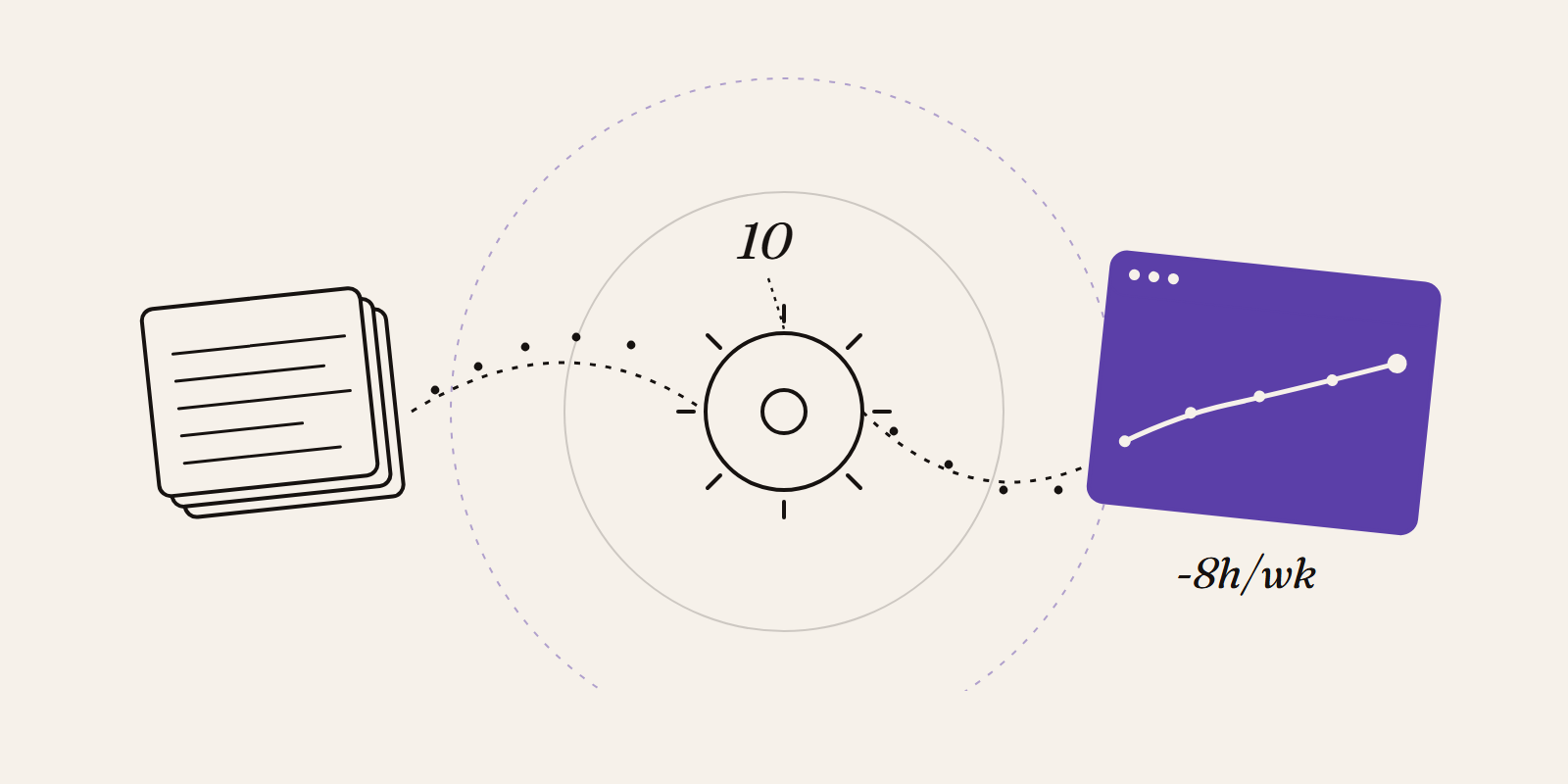
Go back to the two numbers from step two. Did they move? By how much? That's the case you make for the next flow, and the one after that. A good automation program is not a big bang, it's a compounding habit. One flow a month for a year puts twelve hours back on your team's calendar, every week.
Mistakes we see on repeat
Automating everything at once. Pick one. Finish it. Then pick the next one.
No owner. If nobody is accountable for the flow, nobody will notice when it breaks.
Silent failure. Every flow needs a fail-loud path, a Teams message, an email, something. Quiet flows are dangerous flows.
Shadow automations. Forty flows, each owned by one person, none documented. This is how you inherit a mess.
Where to start this week
Open your inbox. Find the email you sent last Monday that you'll send again next Monday. That's flow number one. If you want a second opinion on whether it's a good fit for automation, or which of the ten steps you're likely to trip on, book a thirty-minute call. We'll tell you if it's worth building, what it would cost, and what you'd get at the end.