Article
10 Practical Steps to Automate Your Business Processes
Ten practical steps to automate your business processes without AI hype. Start small, fix the process first, use the too...
ReadFind the automation opportunities in your business that are actually worth building. A five-question test, the hotspots we keep seeing, and how to turn the list into a running pipeline.
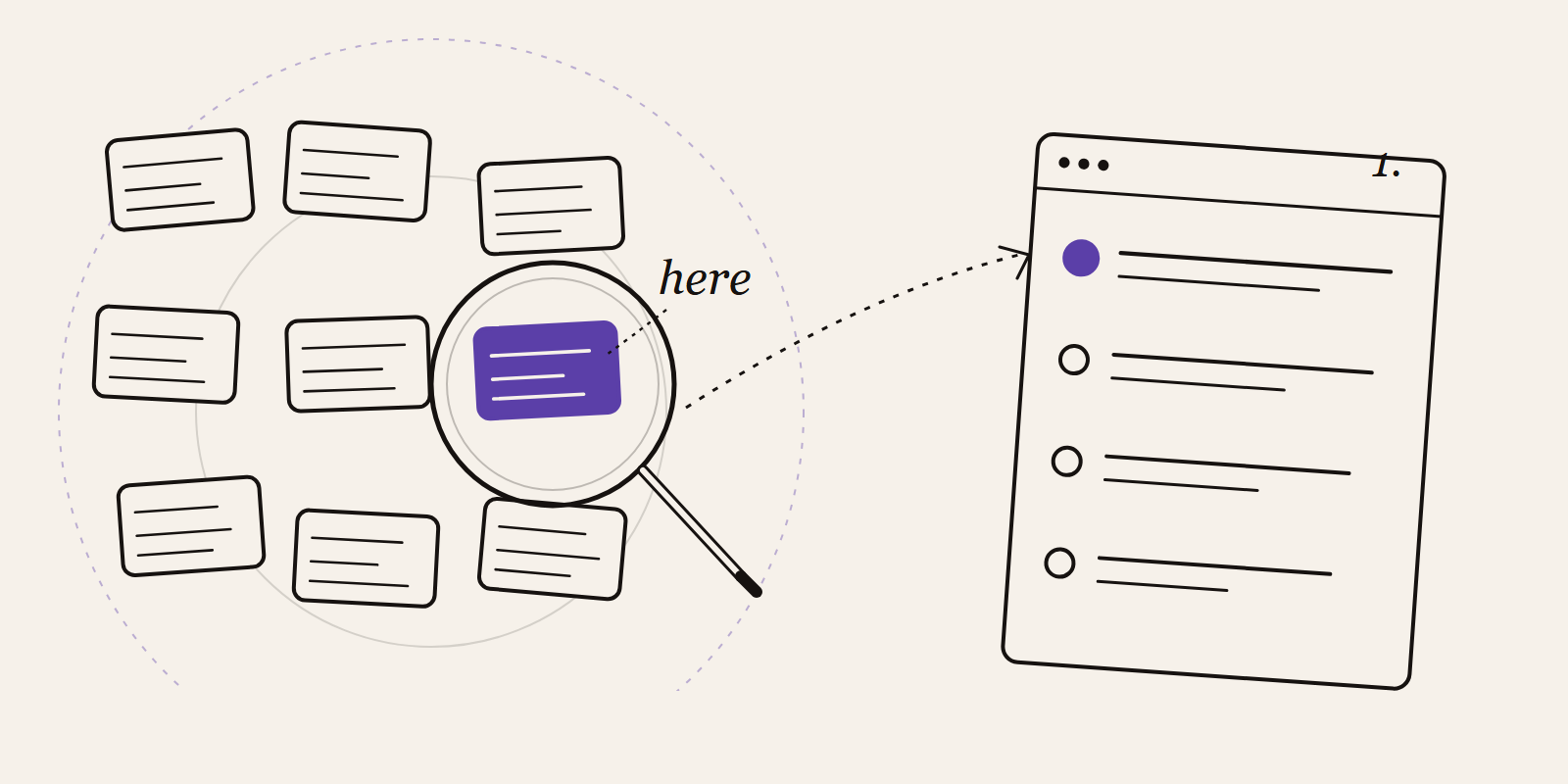
The hardest part of automation is not building it. It is knowing what to point it at. Most teams skip that step, buy a workflow tool, wire up something obvious, and then lose momentum because the savings never quite show up on anyone's calendar.
Finding the right thing to automate is a skill of its own. You have to look at the work the way an outsider would, ignore what people say the process is, and pay attention to where time quietly leaks out. This article walks through how we do it when a client asks us to help, before we touch a single tool.
Automation is cheap. The thinking that tells you where to automate is not. When a team starts with the tool, the list of candidates ends up being whoever complained last Tuesday, plus whatever the vendor demoed. That is a bad list. Good candidates are boring, repeatable, high volume, and have a clear owner who will maintain the flow after it is live. You find those by walking the work, not by brainstorming in a meeting room.
Pick a team. Sit next to them for a morning, or pull their last two weeks of Teams messages, shared inboxes and handovers. You are looking for the same small tasks that keep coming back: an export, a copy-paste, a chase-up, a weekly "can you send me the file", a daily status email.
Write down what you see in the language the team uses. "Friday reporting" is more useful than "monthly data aggregation workflow". The words the team uses point to the owner, and the owner is the one who will tell you whether it is worth automating.
For each task on the list, answer these. If four of the five are yes, it belongs in the pipeline.
Does it happen at least weekly? Frequency is where the payback lives. A twenty-minute task done every morning is worth more than a four-hour task done twice a year.
Are the inputs digital and consistent? Same fields, same format, same source. If the input is a scanned PDF from a different supplier every week, that is a data project before it is an automation project.
Is the rule clear enough to write in one sentence? "When an invoice from supplier X arrives, file it in SharePoint and post in #finance." If you need three paragraphs to describe the rule, you are describing judgment, not a workflow.
Does it have one owner? Automation that lives between two teams gets abandoned the first time it breaks. Pick tasks where one person can say "yes, that is mine".
Does it cause real pain? Errors, delays, rework, missed cutoffs, people working evenings. If there is no pain, there is no urgency and no budget.
After a few hundred process walkthroughs, the same five categories come up again and again. If you are short on time, start here.
Data moving between two systems that should already talk. CRM to accounting, web form to CRM, order platform to ERP. Almost every company has at least one of these, usually held together by a person and a spreadsheet.
Weekly or monthly reports built from exports. Someone downloads a file, pastes it into Excel, refreshes a pivot, and emails it out. That is a dashboard waiting to happen.
Approvals that live in email. Purchase requests, leave, expense claims, contract sign-off. Slow, invisible, and impossible to audit. A basic form with routing fixes this in an afternoon.
Documents written from scratch. Quotes, onboarding emails, renewal letters, standard reports. If there is a template and a handful of variables, it can be generated.
Month-end admin. Bank reconciliation, chasing overdue invoices, variance checks. High volume, rule-based, and the finance team will thank you.
You do not need a weighted matrix. Two numbers are enough.
Hours per month it eats today. Minutes per case times cases per month, divided by sixty. Ask the person who does the work, then trust their estimate. Do not run a time-and-motion study.
Effort to automate, on a one-to-five. One is "I can build this before lunch". Five is "we need IT, a vendor, and a change management plan". If you cannot tell, it is at least a three.
Sort the list by hours-per-month divided by effort. The top of that list is where you start. It will almost never be the most glamorous project, and that is the point.
Processes with lots of exceptions. If every case is a bit different, you are automating chaos. Standardise first, or accept that the first version will handle 70% and route the rest to a human.
Work that needs judgment. Pricing exceptions, hiring decisions, customer escalations. Automation can support these with better information, but do not try to replace the decision.
Broken upstream data. If the CRM is full of duplicates and half-empty fields, automating it just spreads the mess faster. Clean the data, then automate.
Processes with no clear owner. If nobody is accountable, nobody will maintain it. The automation will silently rot and somebody will eventually do the work by hand again without telling you.
One automation is a favour to one team. A steady pipeline is a different thing. The companies that get real value keep a running list, in a shared spreadsheet or a simple board, with four columns: the opportunity in one sentence, the owner, the rough hours-per-month, the current status.
Review it once a month for half an hour. Add what people have noticed. Retire what no longer matters. Move the next one into "in progress" when the last one ships. A year of this habit puts five to ten flows in production, and puts the same number of hours back on the team's calendar every single week.
Pick one team. Spend a morning with them. Write down every small task that happened more than twice that week. Run the five questions against each one. You will come out with a short list, and the top item on that list is probably the first automation worth building.
If you want a second pair of eyes on the list, book a thirty minute call. We'll tell you which ones are worth building, which ones are a data problem in disguise, and which ones you should leave alone for now.
More pieces from the field on the same topic.
Ten practical steps to automate your business processes without AI hype. Start small, fix the process first, use the too...
Read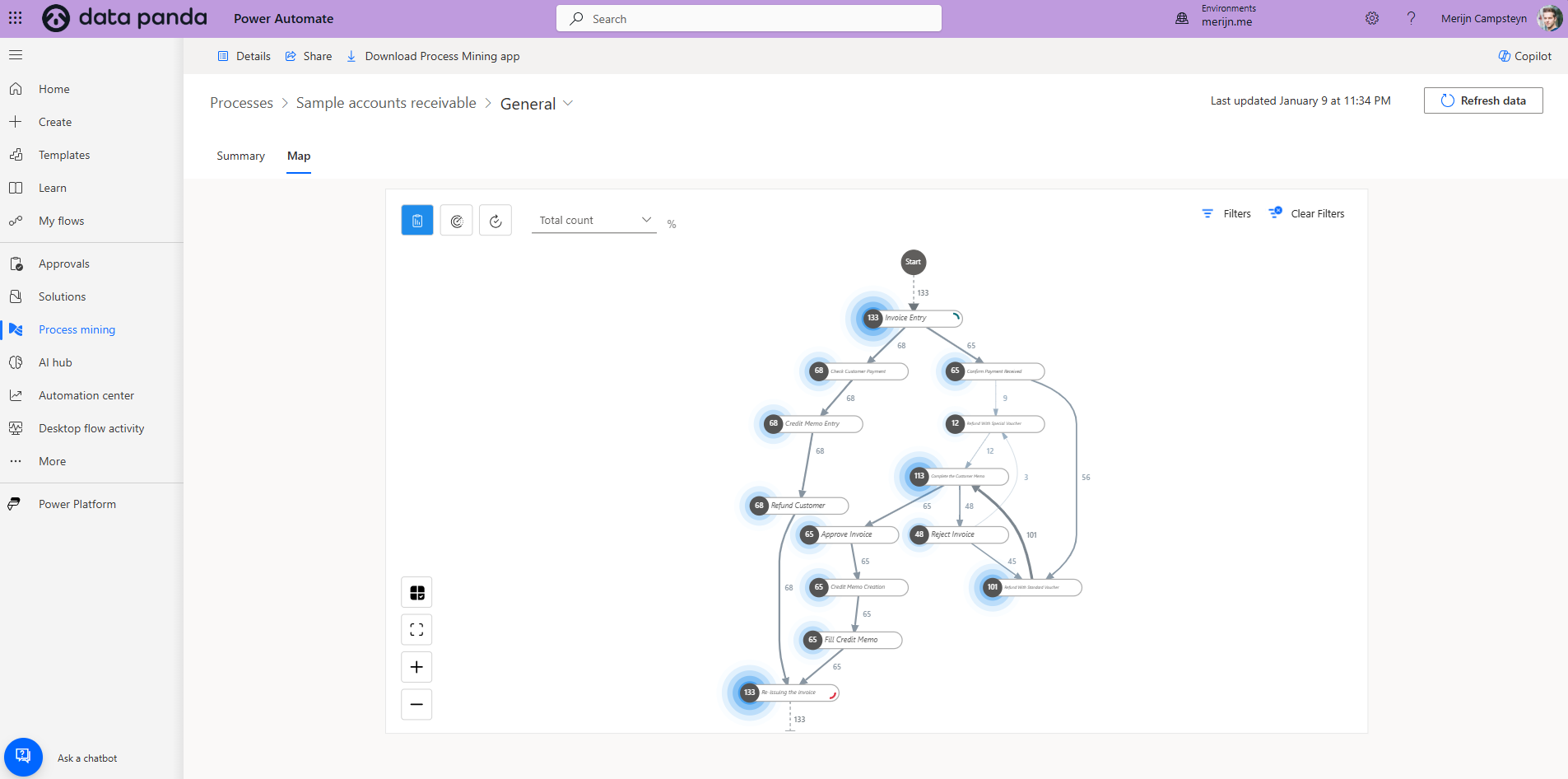
Learn how to leverage Microsoft Power Automate’s process mining module for efficient process automation and actionable i...
Read
Most businesses overcomplicate automation by chasing AI hype. Learn how small, practical steps, from dataflows to AI age...
ReadA no-strings advisory call. We'll tell you honestly what's realistic, or point you elsewhere.
Book a discovery call