Microsoft Fabric
What is Microsoft Fabric?
Microsoft Fabric is an all-in-one platform for working with data. Instead of using separate tools for storage, transformation, and reporting, Fabric brings everything together in one place.
You can think of it as your company’s central data platform. IT teams, data analysts, and business users all work in the same environment. That makes it easier to move from raw data to reports without losing context or control.
Fabric runs entirely in the cloud and uses a shared storage layer called OneLake. On top of that, you can build data pipelines, prepare data for analysis, and create interactive reports.
Before Fabric, many companies combined tools like Power BI, Azure Synapse, and Data Factory to manage their data. It worked, but it required coordination, setup, and maintenance across different systems. Fabric changes that by offering one environment with shared access, security, and governance.
The main parts of Microsoft Fabric
Fabric is built from different parts that cover the full data process. Each part serves its own purpose, but they all use OneLake as their foundation.
OneLake is the shared data storage. It’s like OneDrive, but for company data. It holds raw, processed, and analytical data together in one place using open file formats such as Parquet and Delta. Because every tool in Fabric connects to the same storage, there’s no need for copies or extra integrations. Everything stays consistent and easier to manage.
Data Factory brings data in from many different sources, both cloud and on-premises. With its visual interface, you can build data pipelines that run automatically and keep your datasets up to date.
Synapse Data Engineering is where data is cleaned and transformed. You work in notebooks, where you can edit and test data step by step. Behind the scenes, Spark provides the computing power.
Synapse Data Warehouse is the structured layer for reporting and dashboards. It stores data in tables, runs fast SQL queries, and uses the same storage in OneLake. It’s designed for performance and reliability.
Power BI is the reporting layer of Fabric. It connects directly to OneLake, which means you can build dashboards immediately without exporting data.
Data Activator adds real-time actions. It watches your data and reacts automatically when something changes, such as a sudden drop in revenue or a rise in stock levels. You can link it to Power Automate to send alerts or create tasks. It turns your data into a source of action. Data Activator is the basis to automate your business processes.
All of these parts use the same security, governance, and access control through Microsoft 365. That’s a major benefit for companies that want to keep everything inside one trusted ecosystem.
Lakehouse vs. traditional data warehouse
A traditional data warehouse stores structured data in tables. It’s great for stable reporting, but less flexible when working with new or irregular data.
Fabric combines both worlds. The lakehouse layer is where you keep flexible or raw data. The data warehouse layer is for cleaned, structured data ready for reporting. Both use the same OneLake storage and security setup, so data can move easily between them.
This setup gives you the freedom to experiment in the lakehouse and the reliability of a warehouse for dashboards and analysis. It’s one connected system that supports both technical teams and business users.
How Fabric compares to other platforms
Fabric and dbt
dbt (data build tool) is popular for transforming data using SQL. In Fabric, dbt can connect through SQL endpoints and build models directly on shared datasets.
Fabric also includes built-in tools like Dataflows, Notebooks, and Pipelines, so new teams can do everything within Fabric. For companies already using dbt, integration is straightforward.
Fabric and Snowflake
Snowflake and Fabric are both cloud data platforms, but they serve different goals. Snowflake started as a standalone data warehouse that focuses on speed and scalability across multiple clouds. It works well with a range of BI tools.
Fabric is part of the Microsoft ecosystem. It brings together data storage, transformation, and visualization in one place, with Power BI built in. For organizations already using Microsoft 365, Fabric is usually the logical choice. For those working across multiple cloud providers, Snowflake might be more suitable.
Fabric and Databricks
Databricks and Fabric share a similar idea but focus on different users. Databricks is aimed at data engineers and data scientists. It’s strong in machine learning and large-scale data processing.
Fabric focuses more on analysis, reporting, and teamwork. Many companies use both: Databricks for advanced data work and Fabric for sharing insights, governance, and business reporting.
Governance, security, and compliance
Fabric includes built-in governance and security. Access, permissions, and compliance are managed through Microsoft Purview and Microsoft 365 identities. Everything stays within one environment, which keeps administration simple and consistent.
There’s no need for extra tools or layers. The same rules apply across all parts of Fabric, from OneLake to Power BI to Excel. It makes tracking data and maintaining compliance much easier, especially for companies handling sensitive information.
Keywords
Microsoft Fabric
OneLake
Power BI
Synapse
Data Factory
data platform
lakehouse
data warehouse
Microsoft 365
data governance
From the blog.
More pieces from the field on the same topic.
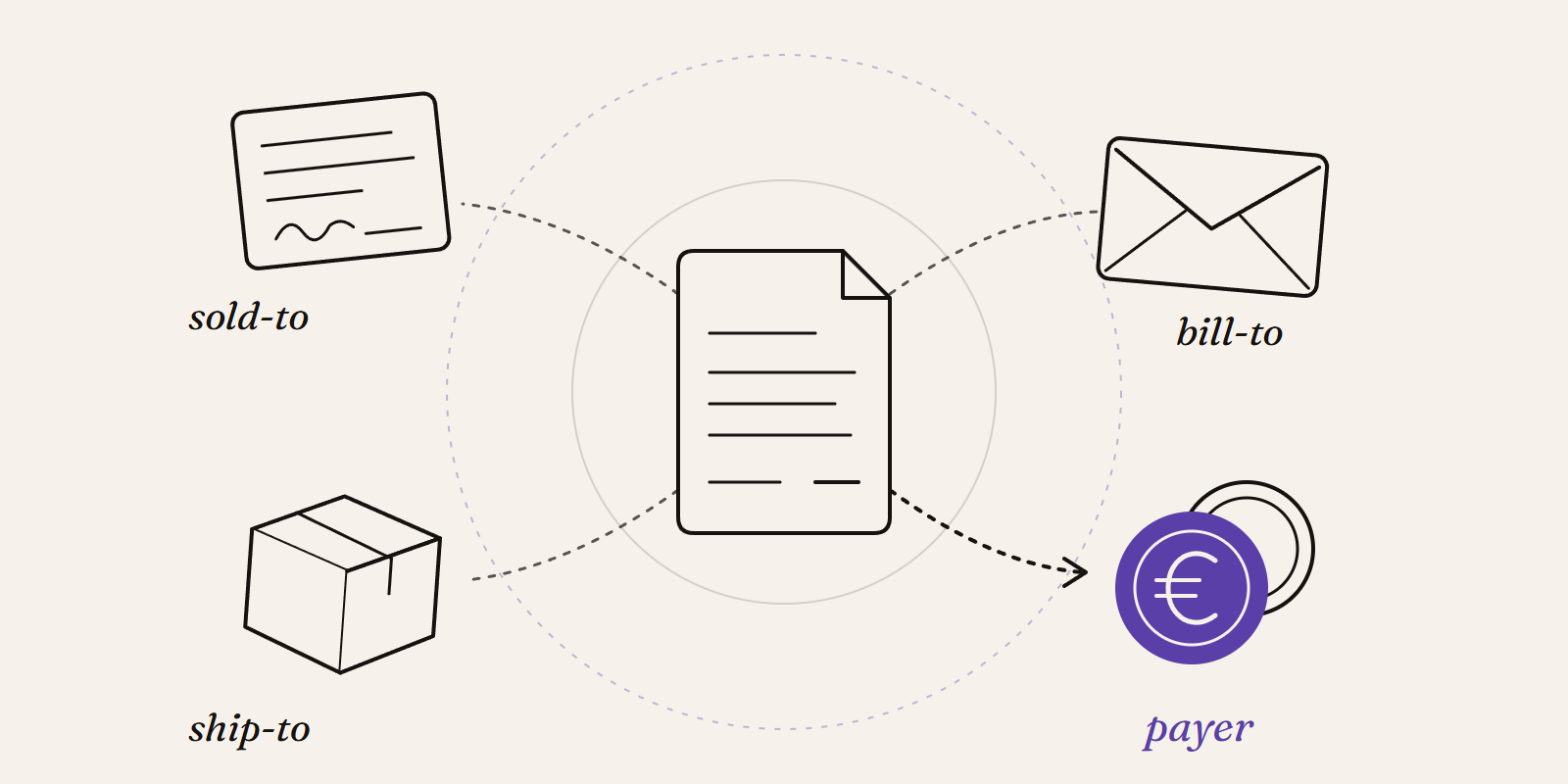
Sold-to, ship-to, bill-to and payer in SAP: who is actually your customer?
Sold-to, ship-to, bill-to and payer in SAP explained with a concrete example: who gets the invoice, whose account the receivable sits on, an...
New Data Panda connectors in August 2026
Seven new Data Panda connectors from August 2026: ECB rates, ProfitPlus Webshop, SAP S/4HANA, Exact Venice, OpusFlow, ABAX and Sprout Social...