OCR (Optical Character Recognition)
What is OCR?
OCR stands for Optical Character Recognition. It is technology that reads the text inside an image or a scanned document. Think of a photo of an invoice, a PDF of a contract, or a scanned book. OCR teaches a computer to recognise the letters and numbers in that picture and convert them into real, editable text.
Once the text is digital, you can copy it out of a PDF, search a scanned archive by keyword, or pull data straight off invoices and ID cards into another system. It is one of the earliest practical examples of artificial intelligence in everyday business software.
How OCR works
An OCR engine runs through a few steps to get from pixels to text:
Pre-processing cleans up the image. The system straightens skewed scans, removes noise, and improves contrast so the characters stand out from the background.
Layout analysis works out where the text lives. It separates columns, paragraphs, tables, and images so the engine reads in the right order.
Character recognition matches each shape against known letters, numbers, and symbols. Older OCR did this with template matching. Modern engines use neural networks trained on millions of samples.
Post-processing applies a language model to spot likely errors, for example reading "l" as "1" or "O" as "0". A spell check and dictionary lookup catch most mistakes.
Where OCR shows up
Digitising paper documents, like older archives that nobody wants to retype by hand.
Automated invoice processing inside accounting software, where supplier names, amounts, and VAT numbers are pulled straight off the page.
Scanning forms or ID documents so the fields fill themselves in. Banks and airlines use this when you snap a photo of your passport.
Searchable PDF archives, where contracts and reports become findable by keyword instead of sitting as flat scans.
Mobile capture in apps that read business cards, receipts, or signs in another language for instant translation.
Where OCR still struggles
OCR is not magic. Handwriting is much harder than printed text and often needs a separate model trained for it. Low-resolution photos, faded ink, and creased pages all hurt accuracy. Tables with merged cells or unusual layouts still trip up many engines, which is why teams often pair OCR with a layer that understands document structure, sometimes called intelligent document processing.
Languages with non-Latin scripts, mixed scripts, or right-to-left text need engines trained for those specifics. Quality varies a lot between providers depending on which languages they prioritise.
Keywords
OCR
optical character recognition
text recognition
document scanning
invoice processing
artificial intelligence
AI
process automation
RPA
From the blog.
More pieces from the field on the same topic.
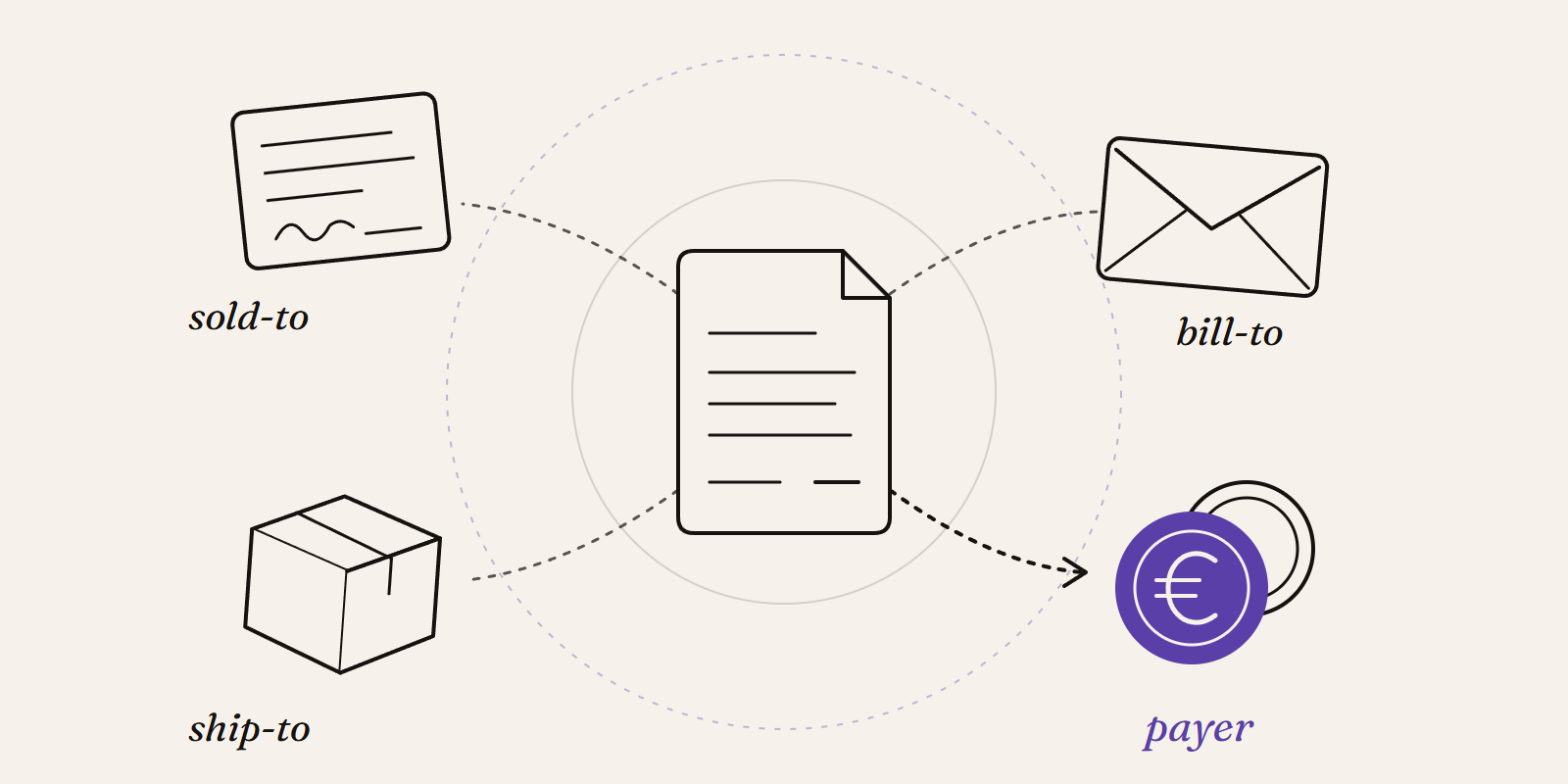
Sold-to, ship-to, bill-to and payer in SAP: who is actually your customer?
Sold-to, ship-to, bill-to and payer in SAP explained with a concrete example: who gets the invoice, whose account the receivable sits on, an...
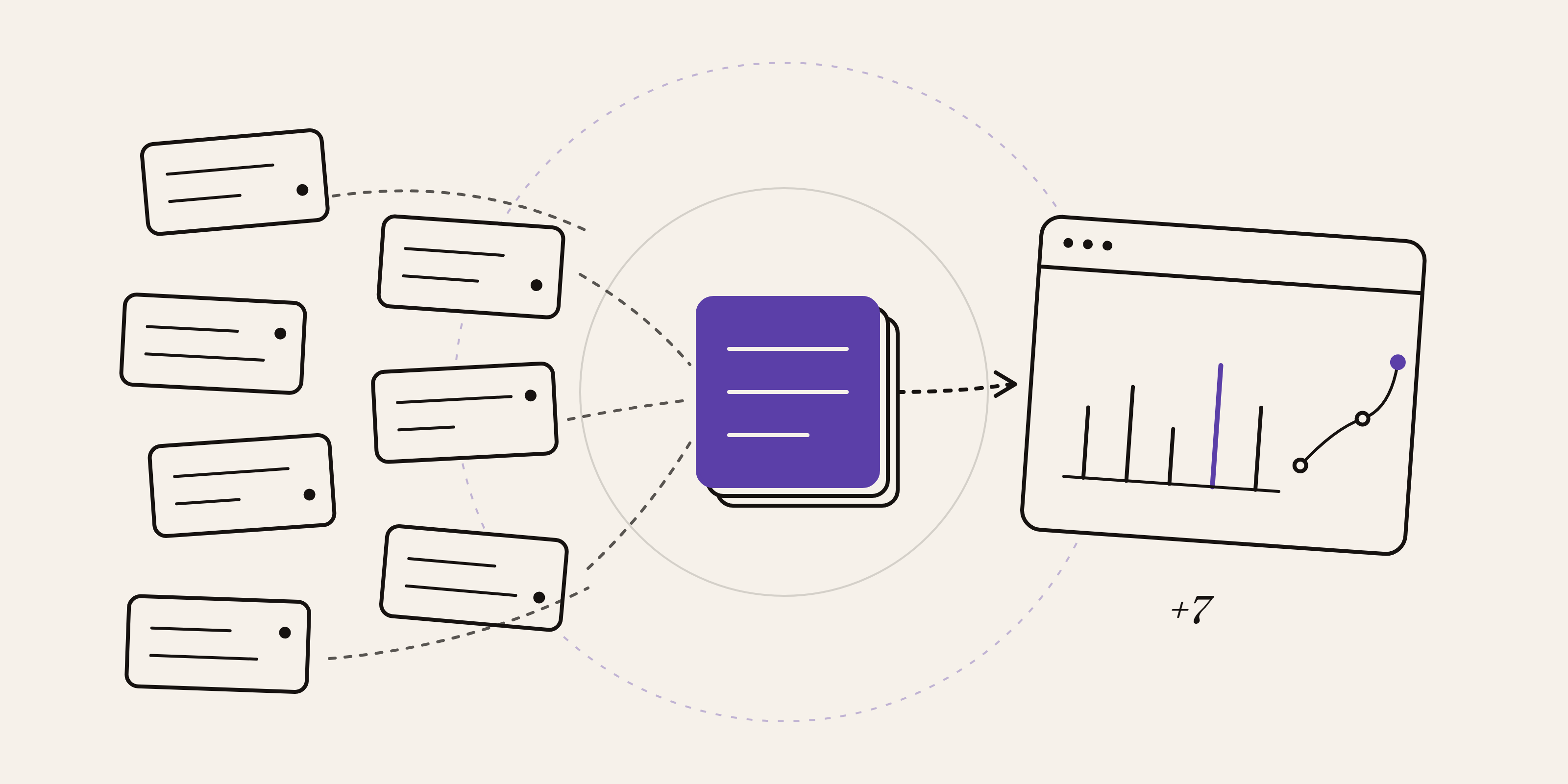
New Data Panda connectors in August 2026
Seven new Data Panda connectors from August 2026: ECB rates, ProfitPlus Webshop, SAP S/4HANA, Exact Venice, OpusFlow, ABAX and Sprout Social...