Prompt engineering
What is prompt engineering?
Prompt engineering is the practice of carefully crafting the instructions you give an AI model. The same question written one way can produce a mediocre answer, and written differently can produce exactly what you need. Good prompts are often the difference between a fun experiment and a working production application.
In the early days of LLMs, prompt engineering felt like folklore: people shared tricks that "worked" without clear reasoning. It has since matured into a discipline with reusable patterns, measurable evaluations, and clear anti-patterns.
A prompt isn't just the question you type. It also includes the system prompt (the fixed instructions the model always receives), any examples, the context you attach, and the output format you request. Together they determine what the model produces.
Why does it matter?
For interactive tools like ChatGPT, a poorly phrased prompt is easy to fix: you see the answer, you rephrase. In production applications that luxury doesn't exist. The prompt you write runs thousands of times automatically on inputs you haven't seen. That means the prompt must:
Be robust against input variation.
Return the same structure consistently, so downstream steps can parse it.
Handle edge cases without hallucinating.
Say clearly when it doesn't know.
A good prompt sometimes solves a task so well that you don't need fine-tuning or RAG at all. A bad prompt can make the best model stumble. That's why prompts deserve to be treated like code: version control, tests, and reviews where appropriate.
Building blocks of a good prompt
Role and context
State in one sentence who the model is and who it's writing for. "You are an experienced data analyst explaining to a non-technical manager." This steers tone, word choice, and level of detail.Task and goal
Spell out concretely what you want: summarise, classify, rewrite, generate code. Avoid combining multiple tasks in a single prompt.Input
Provide the source text, data, or context the model should work on. Mark it clearly with tags or triple quotes so the model can tell input from instruction.Output format
Do you want JSON, Markdown, a bullet list, a table? Say it explicitly and give an example. For production, structured output (JSON with a schema) almost always beats free text.Constraints
What is off-limits? When should the model say "I don't know"? Which language, length, tone? Concrete boundaries beat general guidelines.Examples
One to three well-chosen examples (few-shot) often improve output more than another page of instructions.
Advanced techniques
Zero-shot, one-shot, few-shot
Zero-shot: instructions only. One-shot: add one example. Few-shot: multiple examples. The more specific or unusual the task, the more examples help.
Chain-of-thought
Ask the model to reason step by step before answering. For calculations, rule-based classification, or multi-step reasoning, this noticeably improves results. Modern reasoning models do this automatically.
Role prompting
Assigning a role ("You are a Belgian employment lawyer") helps the model focus on the relevant slice of its knowledge.
Structured output
Since 2024 the major models can be forced to produce output that strictly matches a JSON schema. In production this is indispensable: you know which fields will come back and can process the output safely.
Self-critique and reflection
Have the model review its own output after the first pass and adjust. Works well for prose where quality and tone matter.
Prompt chaining
Split a complex task into several smaller prompts, each with its own focus. Often better than a single mega-prompt that tries to do everything.
System prompt versus user prompt
Modern models distinguish between different roles in a conversation.
System prompt
The fixed instructions the model always receives for a given application. This is where you define the role, the rules, the tone, and the output structure. End users usually don't see this.
User prompt
What the end user or upstream system is asking right now. Varies with every call.
Assistant
The model's earlier responses, sent back as context to keep the conversation coherent.
Important rule: anything sensitive (business rules, security guidelines, limits on what the model can do) belongs in the system prompt, not the user prompt. The user prompt is more vulnerable to prompt injection.
When does a better prompt stop helping?
Not every problem is a prompt problem. When you hit a ceiling, you usually see one of these patterns:
The model lacks access to information it needs. You need RAG, not a better prompt.
You want a very specific style or format consistently across thousands of cases. Fine-tuning helps more than prompting.
You need hard guarantees of correctness. Combine the model with validation rules, tools, or human review.
The task requires real computation or lookup. Have the model call a tool instead of doing the math itself.
Prompt engineering is the cheapest and fastest way to improve an AI application. But it's still one building block alongside grounding, tool calling, evaluation, and architecture choices. The strongest teams move fluidly between these building blocks instead of trying to stuff everything into a single enormous prompt.
Keywords
prompt engineering
prompt
llm
genai
generative ai
chatgpt
few-shot
chain of thought
rag
ai
From the blog.
More pieces from the field on the same topic.
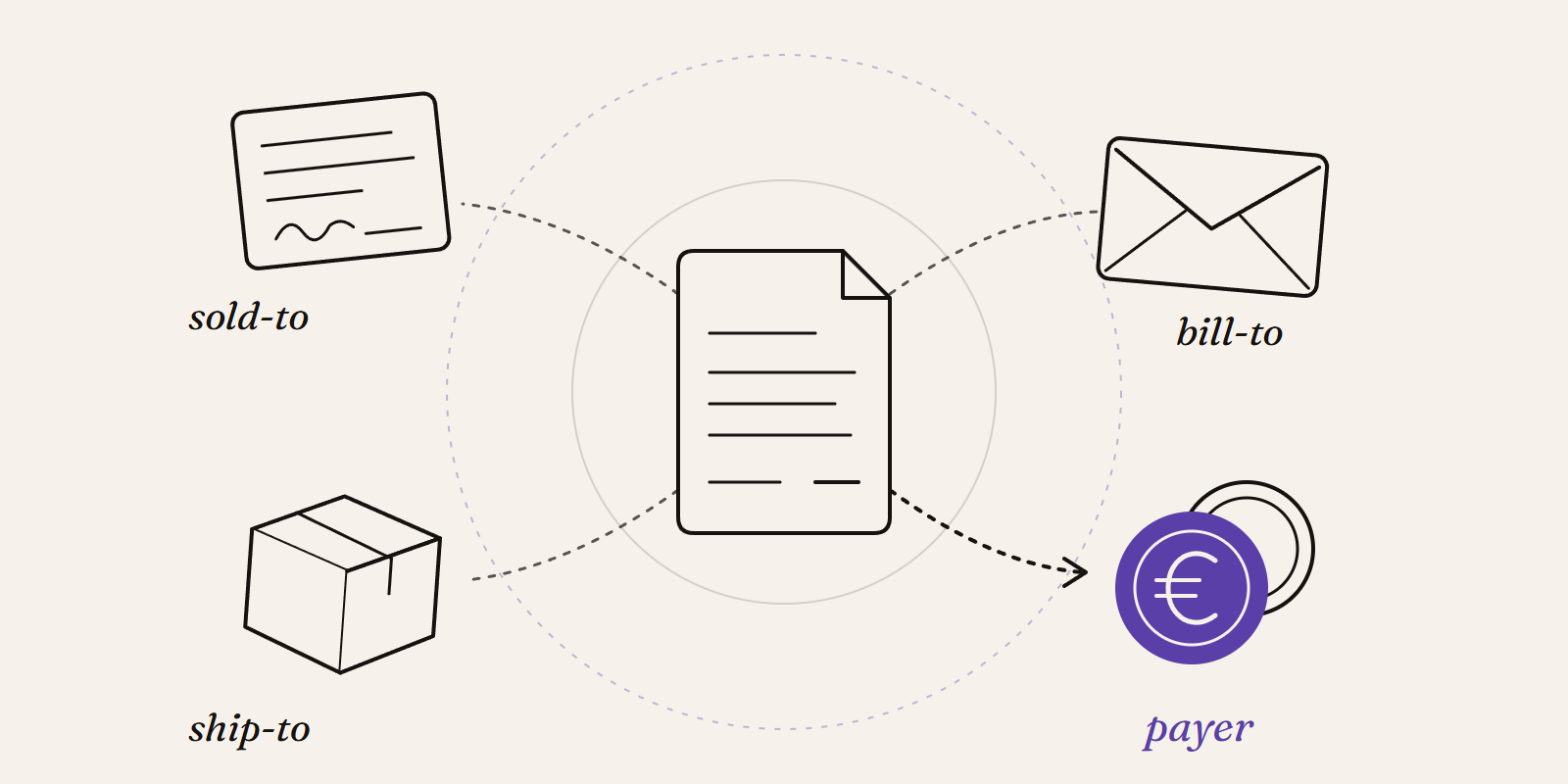
Sold-to, ship-to, bill-to and payer in SAP: who is actually your customer?
Sold-to, ship-to, bill-to and payer in SAP explained with a concrete example: who gets the invoice, whose account the receivable sits on, an...
New Data Panda connectors in August 2026
Seven new Data Panda connectors from August 2026: ECB rates, ProfitPlus Webshop, SAP S/4HANA, Exact Venice, OpusFlow, ABAX and Sprout Social...