Power Platform solution
What is a Power Platform solution?
A Power Platform solution is a package that brings together the pieces of a business application so you can move them between environments as one unit. That package can include canvas and model-driven apps, cloud flows, Dataverse tables and columns, forms, agents, plug-ins, connection references and environment variables.
Solutions are the mechanism behind application lifecycle management in Power Platform. You build components in a development environment, export the solution, and import it into test and then production. The same tested package moves forward, rather than someone rebuilding the app by hand in each place.
A solution mostly carries definitions, metadata and some configuration. Ordinary business records such as customers and invoices do not travel with it, so reference data and data migration need a separate approach.
Components and dependencies
Every customisable building block inside a solution is a component. A model-driven app depends on tables, columns, forms, views and roles; a flow can depend on connection references and environment variables. Add the components needed for the feature to work in the target environment, because a missing dependency shows up as an import error or a runtime failure later.
Automatic dependency detection helps, but it does not replace understanding what your application actually needs. Give the solution a publisher with a fixed prefix so your own components stay recognisable in Dataverse, in source files and in integrations. The publisher of a managed component cannot be changed afterwards, so decide on one publisher early.
From development to production
In the development environment, makers work in an unmanaged solution. The solution is exported, validated and promoted to test as a build artifact, and only after functional and technical checks does it reach production.
Connection references bind the components in each environment to the right connections. Environment variables supply values such as site URLs and external endpoints. Because of these two, the solution does not have to be rewritten per environment.
Pipelines can run export, validation, approval and import in a repeatable way. Source control keeps the unpacked solution files and makes changes reviewable; the live Dataverse environment on its own is not a good change log. Storing solution source in Git is a common part of a DataOps-style workflow for low-code.
Managed and unmanaged solutions
An unmanaged solution is the editable source you work in during development. Delete the container of an unmanaged solution and its components stay behind in the environment; they simply revert to the default solution.
A managed solution is meant for deployment outside the development environment. It forms a distinct layer that can be updated or removed as a unit, and managed properties decide which changes the target environment is allowed to make. As a rule, you keep managed solutions in test and production and reserve unmanaged work for development.
Making unmanaged changes straight in production creates an active layer on top of the managed components. That edit can be overwritten by a later release or cause behaviour no one expects. Fix the source in development and deploy again.
A worked example
An onboarding application contains a canvas app, three Dataverse tables, two cloud flows, a security role and environment variables for a SharePoint site and a Teams channel.
In development the team uses test data and test connections. The pipeline unpacks the solution into Git, runs its checks and builds a managed artifact. On import into test, the target values and connections are assigned. After testing, the exact same artifact goes to production with production configuration, so it is clear which version was tested and which components shipped together.
Solution versus environment
An environment is the container where apps, flows, data, connections and solutions live. A solution groups a chosen subset of those components for development and transport.
Not everything in an environment belongs to one solution, and a single business application can be split across several solutions when its modules are maintained independently. Draw the boundary around how things are built and released together, not only around team structure.
What to watch out for with solutions
Create new business components inside a solution from the start, and record the version, publisher and owner. Check dependencies and test what happens when you remove, upgrade or roll back, where that matters.
Keep configuration out of formulas and flow steps by using environment variables and connection references, and store secrets in supported secret storage rather than as a plain environment variable. A solution does not make a badly built application manageable on its own: tests, code review, data migration, monitoring and a recovery plan stay part of every release.
Keywords
Power Platform solution
Microsoft Power Platform
Microsoft Dataverse
Power Platform environment
Power Platform pipelines
deployment pipeline
connection reference
Git
DataOps
application lifecycle management
low-code and no-code
From the blog.
More pieces from the field on the same topic.
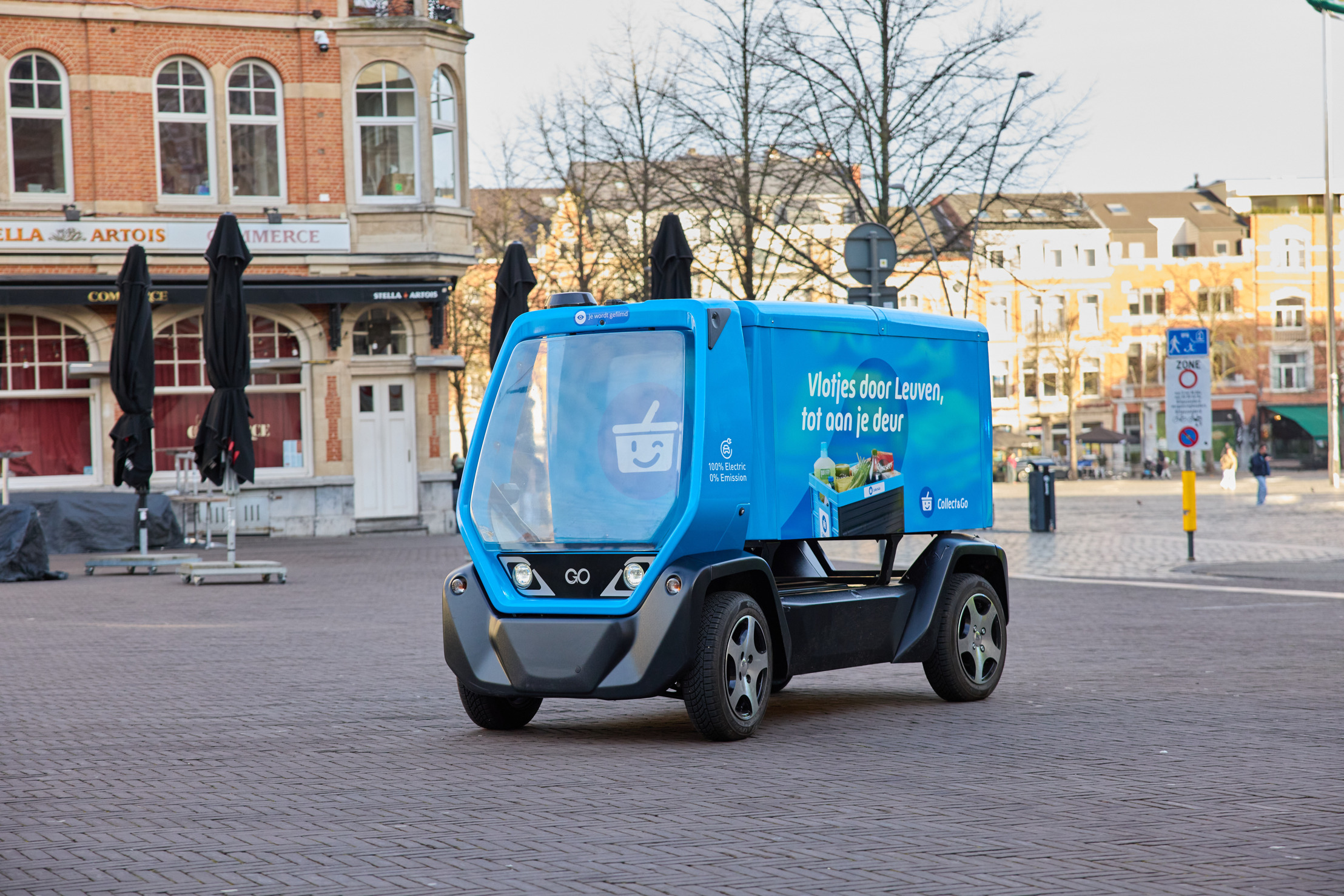
Collect&Go rolls out a driverless grocery cart in Leuven
Collect&Go and Telenet Business are testing an autonomous electric delivery cart in Leuven, steered over 5G. What it means for logistics and...
How to Identify Automation Opportunities in Your Business Processes
Find the automation opportunities in your business that are actually worth building. A five-question test, the hotspots we keep seeing, and ...