Unmanaged solution (Power Platform)
What is an unmanaged solution?
An unmanaged solution is an editable container for Power Platform components while you are building them. Makers add apps, tables, columns, cloud flows, forms, and plug-ins to it and change them freely.
The container groups components so you can export them together, but it is not an isolated sandbox. Editing a component through an unmanaged solution changes that component in the environment straight away.
Every unmanaged customisation lands in one place: the environment's single active unmanaged layer. It does not matter which unmanaged solution you used to make the change, they all share that same layer.
The container is not the component
The same component can belong to several unmanaged solutions at once. That does not create copies. Each solution just points at the same underlying definition in Microsoft Dataverse.
This is why deleting an unmanaged solution behaves the way it does. Remove only the container and the components and their customisations stay in the environment, adopted by the default solution. Nothing is rolled back. Anyone cleaning up a development environment has to understand which components and dependencies may actually be deleted, because wiping the container alone changes nothing about the app.
The development workflow
Create your own components from the start inside a named solution with a stable publisher. That gives your schema names a recognisable prefix and makes dependencies easier to follow than the catch-all default solution does.
Export the unmanaged solution for source control and builds. When you are ready to release, you export that same source as a managed solution and send the managed version to test and production. An unmanaged export is useful for seeding another development environment, but it is not how you deploy to production.
Why unmanaged production is a problem
An unmanaged customisation sits above the managed layers, so for many components it is the definition that wins at runtime. A new managed release can import correctly while that active layer keeps hiding the change underneath it.
Local production edits are also harder to remove, to trace back to a source, and to carry consistently to other environments. The environment quietly becomes the only place the real behaviour lives. Microsoft's ALM guidance is therefore to keep target environments managed and to avoid active layers in them.
Unmanaged versus managed
Unmanaged means editable in the active layer. It does not mean the solution is insecure, free, or without an owner.
Managed means the components install as a governed layer, and updates, upgrades, managed properties, and uninstall then follow the solution's lifecycle. The same development content therefore exists twice: as unmanaged source and as a managed release. The difference is packaging and how the components behave in the target environment.
Working as a team
Several makers in one environment can affect each other's work even when they use separate unmanaged solutions, because solutions give you grouping, not developer isolation. Use separate developer environments or clear ownership of each component instead. Forms, canvas apps, and cloud flows are complex artefacts that text-based merge tools cannot reliably combine.
Unpack solutions into source control, review the changes, and build releases through a fixed pipeline. Record which version in the development environment is the agreed starting point so the team is not guessing.
A common incident
An administrator edits a form directly in production to hide a field. That edit creates an active unmanaged layer.
A week later the team ships a managed release with an improved form layout. The import succeeds, but users still see the old production tweak, because the active layer sits on top. The fix is to fold the emergency change back into the development source, release again, and then remove the unwanted active layer under control. Importing once more does not sort out the layer order on its own.
Keywords
unmanaged solution
Power Platform
managed solution
solution layering
Power Platform ALM
Microsoft Dataverse
development environment
Power Platform CLI
Git
low-code and no-code
From the blog.
More pieces from the field on the same topic.
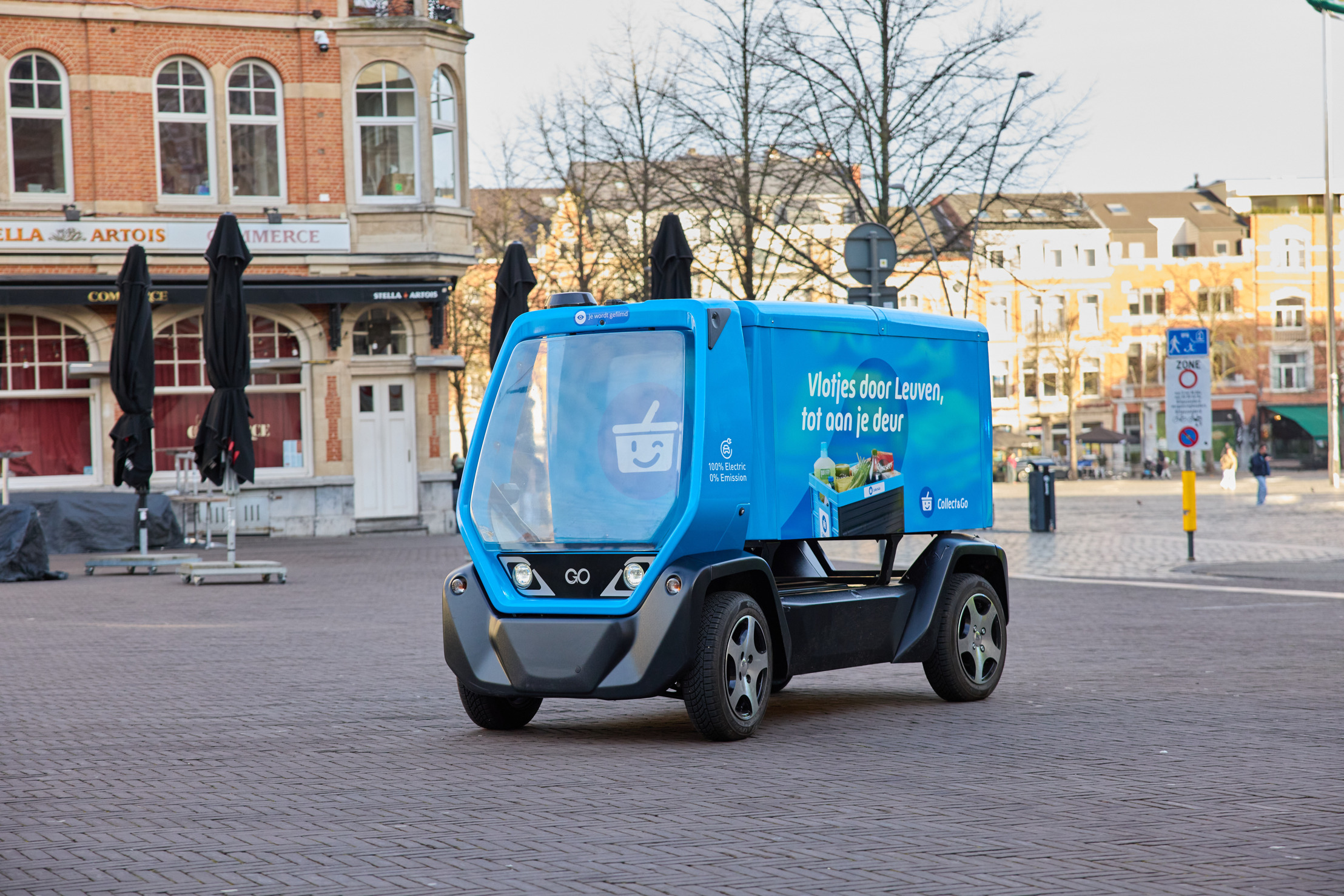
Collect&Go rolls out a driverless grocery cart in Leuven
Collect&Go and Telenet Business are testing an autonomous electric delivery cart in Leuven, steered over 5G. What it means for logistics and...
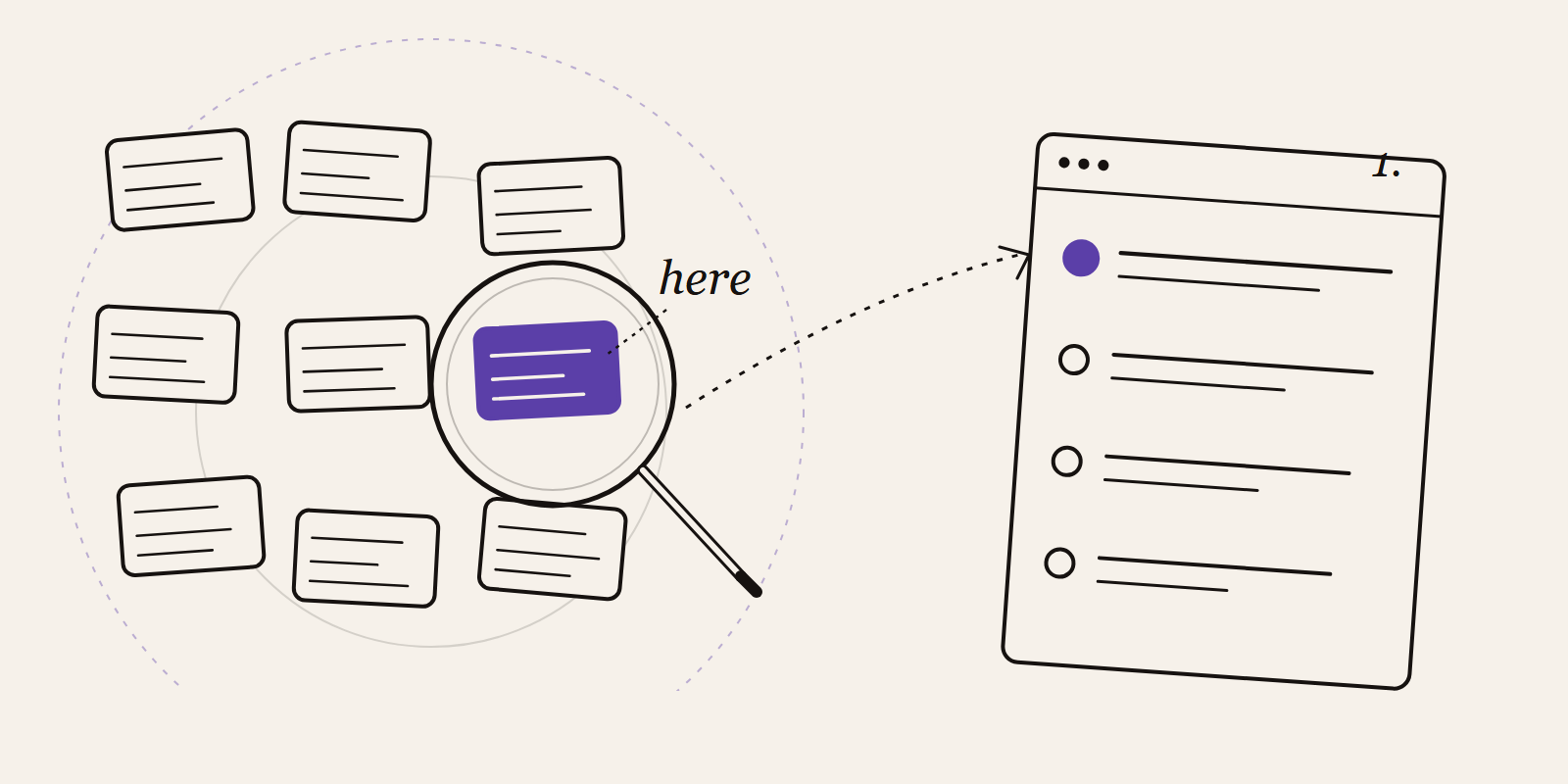
How to Identify Automation Opportunities in Your Business Processes
Find the automation opportunities in your business that are actually worth building. A five-question test, the hotspots we keep seeing, and ...