Agent skill
What is an agent skill?
An agent skill is a folder of instructions, scripts and resources that an AI agent reads when a task calls for it. At minimum the folder holds one file called SKILL.md: a bit of YAML metadata at the top, then plain Markdown telling the agent how to do the job.
GitHub describes them in one line as "folders of instructions, scripts, and resources that Copilot can load when relevant to improve its performance in specialized tasks". That is the whole idea. You write down how a piece of work should be done, drop it in a folder, and the agent follows it.
The metadata is short:
---
name: pdf-processing
description: Extract text and tables from PDF files, fill forms, merge documents. Use when working with PDF files or when the user mentions PDFs, forms, or document extraction.
---
Only name and description are required. The description does double duty: it says what the skill does and when to reach for it, and that second half is what the agent matches your request against.
Progressive disclosure
The mechanism that makes skills worth having is progressive disclosure, and it runs in three stages.
Discovery. At startup the agent loads only the name and description of every installed skill, roughly a hundred tokens each, and keeps them in its system prompt. Nothing else is read.
Activation. When a request matches a description, the agent reads the full SKILL.md body off the filesystem. Only at that point does the procedure enter the context window. The spec recommends keeping that body under 5,000 tokens and under 500 lines.
Execution. The agent follows the instructions and reads bundled files or runs bundled scripts if it needs them. A reference file costs nothing until it is opened. A script costs nothing at all: it runs through bash and only its output comes back, so the code itself never lands in context.
The practical effect is that you can install thirty skills for the price of thirty sentences. Anthropic's engineering team puts it bluntly: because the agent has a filesystem, "the amount of context that can be bundled into a skill is effectively unbounded".
What sits in a skill folder
Beyond SKILL.md, the format leaves the layout open, but three directory names are conventional.
scripts/for executable code the agent runs rather than writes. Deterministic work belongs here: a validator, a formatter, an export routine. The agent gets the result without spending tokens on the implementation.references/for documentation the agent reads when a specific question comes up. A schema, an API reference, a style guide. Keep the files small and focused, since each one is read whole.assets/for templates and static material: a branded slide deck, a report skeleton, a lookup table.
The optional frontmatter fields cover the rest: license, compatibility for environment requirements, a free-form metadata map, and an experimental allowed-tools field that pre-approves specific tools.
How agent skills compare to the alternatives
Against a system prompt
A system prompt is always loaded. Everything you put in it is paid for on every single request, and the more rules you add the less weight each one carries. A skill is loaded conditionally, which means the instructions for closing the books can sit next to the instructions for writing a DAX measure without either one diluting the other.
So the split is about scope. Rules that apply to every conversation belong in the system prompt. Procedures that apply to one kind of task belong in a skill.
Against fine-tuning
Fine-tuning changes the model's weights. It needs training data, budget and time, and you redo the work when you move to a newer model. A skill is a text file in a git repository. You edit it, commit it, and the next run uses the new version. When you need an agent to follow a procedure rather than acquire a new capability, the file wins.
Against an MCP server
This is the comparison people get wrong most often. An MCP server gives an agent tools: it connects the agent to a system so it can query a database, open a ticket, read a calendar. A skill gives an agent instructions: it tells the agent which of those tools to use, in what order, and what "done properly" looks like here.
They stack. An MCP server can expose your data warehouse, and a skill can say that every new measure gets a description, gets tested against last month's figures, and never ships without a naming-convention check. Tools without procedure means the agent improvises. Procedure without tools means it has nothing to act on.
Encoding how your company works
For a small team, the interesting use of skills is not the document-processing examples the vendors lead with. It is writing down the things everyone in the company already knows and nobody has ever typed out.
Take a reporting standard. Your team has opinions about how a Power BI model should look: star schema, measures grouped in a dedicated table, no implicit measures, date table marked as such, Dutch field names for the finance model and English for everything else. That knowledge normally lives in the head of whoever built the last one. As a skill it lives in a file, and every agent run applies it without anyone remembering to ask.
Or take a client onboarding checklist, a naming convention for pipelines, the exact wording of your data processing agreement, the way your team writes commit messages. Each is a small folder. None of them require retraining anything, and any of them can be corrected in a minute when the standard changes.
Because a skill is a plain file, it also lands in version control alongside the rest of your work. You get a history of how the standard changed and who changed it, which is more governance than most internal procedures ever get.
What to watch out for with agent skills
Treat an installed skill like installed software. A skill can direct an agent to run code and call tools. Anthropic's guidance is to use skills only from sources you trust, and to audit every bundled file before running one from elsewhere. Skills that fetch content from external URLs deserve particular attention, since whatever comes back can carry instructions of its own.
A vague description means the skill never fires. "Helps with reports" gives the agent nothing to match against. Name the trigger conditions and the words a colleague would actually use, or the folder sits there unread.
Do not let SKILL.md grow into a manual. The body loads in full the moment the skill activates, so a thousand-line file undoes the point of the exercise. Split the detail into references/ and let the agent fetch the part it needs.
Skills do not travel between surfaces on their own. A skill written for Claude Code lives on the filesystem, one used through the API is uploaded to a workspace, and one added in a chat interface is tied to that account. The format is portable; the installation is not.
Keywords
agent skill
agent skills
SKILL.md
progressive disclosure
system prompt
context window
MCP
AI agent
AI harness
fine-tuning
prompt template
generative ai
From the blog.
More pieces from the field on the same topic.

How to enable the Power BI Desktop Bridge (and the CLIs the docs leave out)
The June 2026 Power BI Desktop Bridge lets an agent build and verify reports. Here is how to enable it and install the two CLIs the docs lea...
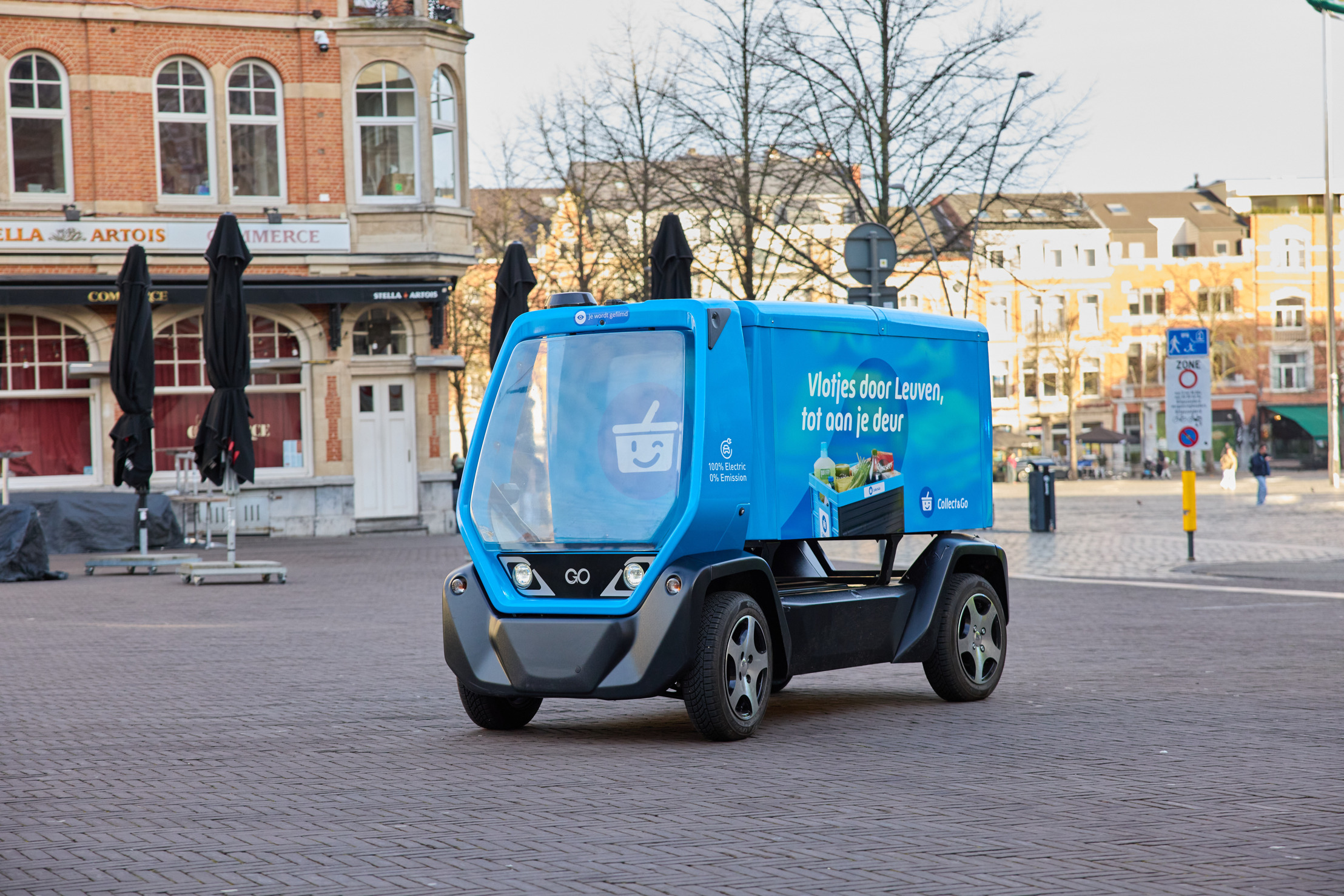
Collect&Go rolls out a driverless grocery cart in Leuven
Collect&Go and Telenet Business are testing an autonomous electric delivery cart in Leuven, steered over 5G. What it means for logistics and...