OneLake shortcut
What is a OneLake shortcut?
A OneLake shortcut is a pointer to data that lives somewhere else. In your lakehouse or KQL database you see a folder as if the data is local, but the files themselves stay in the original storage: in another workspace, in an ADLS Gen2 account, in an S3 bucket, in Dataverse, or on an on-premises source through the Fabric gateway.
Technically it works like a symlink in a file system. OneLake remembers where the data really sits, fetches it on every read, and caches it briefly when needed. You copy nothing, you pay for no duplicate storage, and you do not have to set up an ETL job to pull the data into OneLake.
Compare a shortcut to a bookmark in a library. The book is still in its own shelf, perhaps in another library altogether, but you can read it straight from your desk.
Why does the shortcut exist?
The lakehouse model of Fabric stands or falls on the idea of a single logical store. In practice, company data is scattered: sales in Dataverse, product logs in an S3 bucket owned by the engineering team, external datasets at a partner in ADLS Gen2, operational data in another Fabric workspace.
Copying everything into OneLake via pipelines is expensive and slow. A shortcut fixes that without a copy. Analytics engines (Spark, SQL, Direct Lake, KQL) see the data as if it sits in OneLake, while the authoritative source stays where it is.
For cross-cloud scenarios, this is the piece of technology Fabric advertises most. A report in Power BI that combines Delta tables from an AWS S3 bucket and an Azure lakehouse, without duplicating a single CSV or Parquet file, has been possible since shortcuts landed.
Where can you create shortcuts?
In two places: in a lakehouse and in a KQL database.
A lakehouse has two zones: Tables and Files.
In Tables
At the top level only, no subfolders. If the shortcut's endpoint is a Delta table, Fabric picks up the metadata automatically and shows it as a regular table in your lakehouse. SQL endpoint, Spark notebook and Direct Lake model can query it straight away.
In Files
Anywhere in the tree. The format can be anything: Parquet, CSV, JSON, raw logs. You do not get automatic table detection, but you can write Spark or SQL queries over the files.
In a KQL database a shortcut shows up under the Shortcuts folder and behaves like an external table. You query it with the external_table function in Kusto Query Language.
Types of shortcut
Internal (OneLake to OneLake)
Points to another Fabric item in the same or a different workspace. Use this to build a single gold table once in a central lakehouse and expose it in ten other workspaces without copying it.
Azure Data Lake Storage Gen2
Classic for organisations that have been using ADLS as enterprise storage for years and do not want to migrate everything to OneLake.
Amazon S3 and S3-compatible
Including third-party object stores that support the S3 API. Cross-cloud analytics becomes real here.
Google Cloud Storage
Same logic as S3, on the GCP side.
Dataverse
For data from Dynamics 365 or Power Platform applications, as an alternative to Synapse Link.
Iceberg
To tables in Apache Iceberg format, handy in environments where Snowflake and Databricks have already adopted Iceberg.
OneDrive and SharePoint
For source files that business teams manage in Microsoft 365.
On-premises via the Fabric gateway
SMB and NFS shares in your data centre become reachable without migrating to the cloud.
Caching for external shortcuts
Pulling data from S3, GCS or an on-premises gateway on every query gets expensive in egress cost and latency. OneLake can switch on a cache per workspace: files that have been read once stay around for 1 to 28 days. A repeated query reads from the cache; when the source changes, OneLake pulls the new version and replaces the cached copy.
Individual files larger than 1 GB are not cached. Cache for internal OneLake shortcuts is not needed, because the data already sits inside the Fabric storage network.
Pitfalls
A shortcut is not ownership
Delete the shortcut and the source stays intact. Delete a file inside the shortcut with write rights on the source and it is really gone. Treat the shortcut the same way you treat the source itself.
Identity is not always passed through
On Direct Lake on SQL endpoint with delegated identity, Fabric passes through the identity of the owner, not the end user. Row-level security on the source side does not kick in. For scenarios where each viewer has to see different rows, Direct Lake on OneLake or T-SQL in user identity mode works better.
Limits per item
At most 100,000 shortcuts per Fabric item, 10 per OneLake path, and up to 5 layers deep via shortcut-to-shortcut chaining. Not stingy, but still a ceiling if you want a separate shortcut per customer or per child tenant.
Naming
No spaces in Delta shortcuts (otherwise OneLake does not recognise them as a table). No % or + in names or paths. No non-Latin characters.
Lineage stops at a shortcut
The Fabric lineage view shows relationships inside the same workspace. Shortcuts to external sources drop off the graph. Document that elsewhere for governance.
Keywords
onelake shortcut
microsoft fabric
lakehouse
delta lake
adls gen2
amazon s3
google cloud storage
dataverse
kql database
cross cloud
direct lake
From the blog.
More pieces from the field on the same topic.
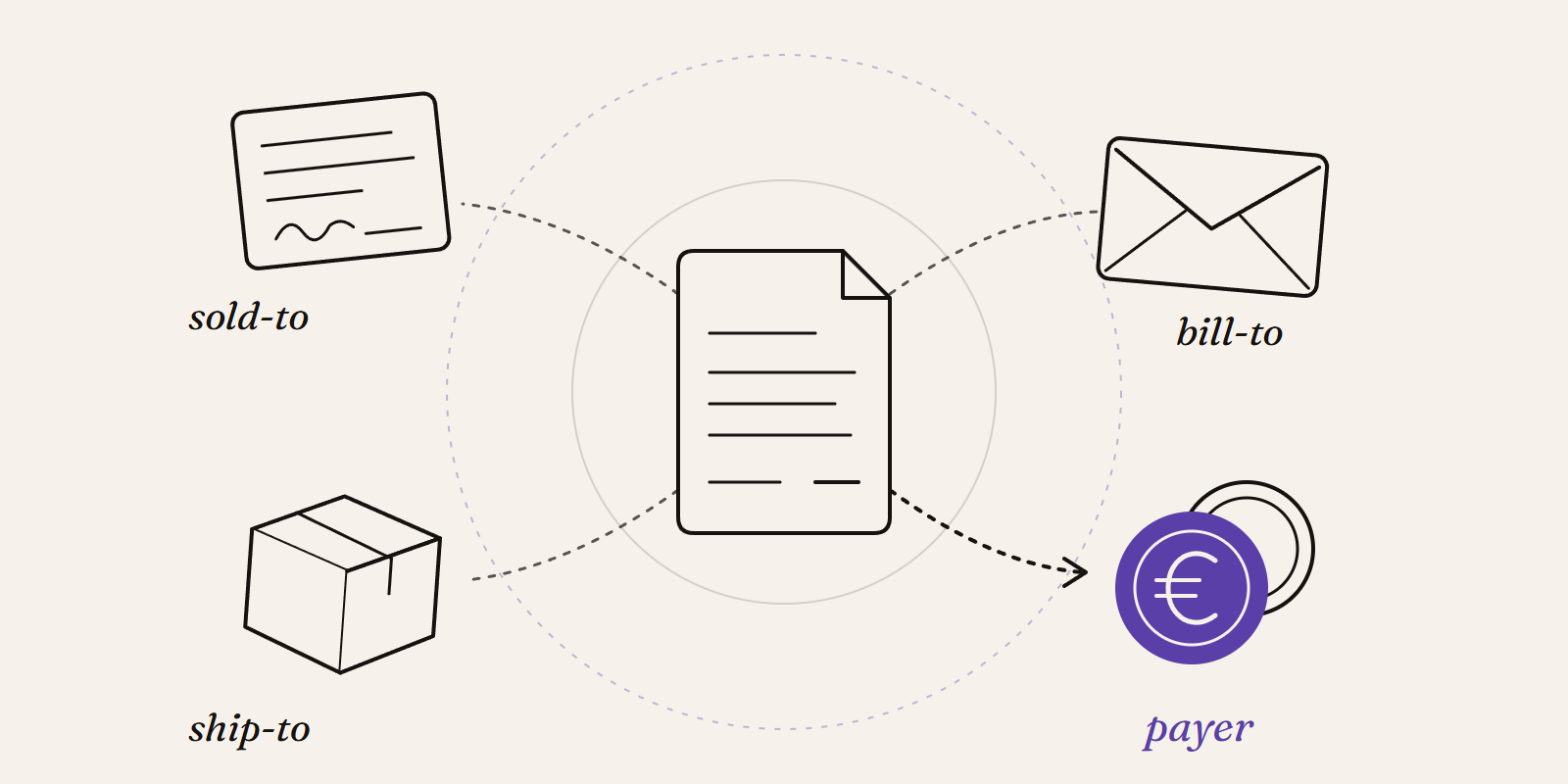
Sold-to, ship-to, bill-to and payer in SAP: who is actually your customer?
Sold-to, ship-to, bill-to and payer in SAP explained with a concrete example: who gets the invoice, whose account the receivable sits on, an...

Pretotyping Data Projects
Test data ideas fast with pretotyping. Learn how to validate concepts in days, avoid over-engineering, and build what truly adds value.