Slowly Changing Dimensions (SCD)
What are Slowly Changing Dimensions?
Slowly Changing Dimensions, usually shortened to SCD, describes how to handle changes in dimension data without breaking your historical reporting. A customer moves from Antwerp to Ghent, a product jumps from category A to category B, an employee joins a new department. These changes happen rarely but matter for analysis: do your figures for 2024 still hold if you update a category tomorrow?
Ralph Kimball formalised the patterns in his book The Data Warehouse Toolkit. SCDs remain the standard in every data warehouse, every lakehouse, and every serious semantic model.
Compare SCDs to an address history at an accountant's office. You can overwrite the old address with the new one and forget where someone used to live. You can also keep the full history with start and end dates. The right choice depends on what you plan to do with the information later.
The main SCD types
SCD Type 0: never change
The simplest variant. The column cannot change after initial load. Think birth date, original creation date, or initial contract start. Change attempts are ignored.
SCD Type 1: overwrite
The old value is replaced with the new one. No history is kept. Works for columns where only the current value matters: phone number, email, description.
Pro: simple, no extra storage.
Con: historical reports get rewritten. A sale from three years ago suddenly carries the new value, even though it was not in force then.
SCD Type 2: new row per version
On every change you insert a new row in the dimension table. The old row gets an end date and an inactive flag, the new row gets a start date and becomes active. Each row has its own surrogate key.
Example: a customer moves on 2026-03-01 from Antwerp to Ghent. The dimension then holds two rows for the same customer, each with its own surrogate key. A sale from 2025 links to the Antwerp row, a sale from 2026-03-05 links to the Ghent row.
Pro: perfect history. You can reproduce any report with the state at that time.
Con: more storage and more complexity. ETL logic has to detect changes and version the rows.
SCD Type 3: limited memory
You keep only the previous value alongside the current one in two columns: CurrentCity and PreviousCity. Handy for one-off comparisons (before and after a migration), but you lose everything further back.
Pro: lightweight, easy in reports.
Con: only one previous point. Only works when a single relevant change matters.
SCD Type 6: hybrid (1 + 2 + 3)
A mix of three types: insert new rows like Type 2, keep a current-value column on every row like Type 1, and preserve the previous value like Type 3. That way you can report both historically and currently without complex queries.
Type 6 is often what you actually need in practice, but the ETL complexity triples.
When do you pick which type?
Type 0 for fields that are immutable by design.
Type 1 for cosmetic attributes: email, phone number, description. No one reports on a three-year-old phone number.
Type 2 for attributes you want to report on historically: product category, region, sales manager, customer segment. The classic choice for analytical questions.
Type 3 if one specific old value matters alongside the current one (for example during a migration period).
Type 6 when you want the comfort of a current-value filter combined with full history.
Most warehouses mix types: a dimension with a few Type 2 columns and a few Type 1 columns is common.
How do you implement SCD Type 2?
Standard pattern inside an ETL or ELT pipeline:
Detect changes. Compare the new source record with the active row in the dimension. Hashes of all Type 2 columns quickly tell you whether something changed.
Close the old row. Set EndDate to the change date and IsCurrent to false.
Insert a new row. New surrogate key, new values, StartDate at the change date, EndDate at NULL or 9999-12-31, IsCurrent true.
Update the fact linkage. New fact rows point to the new surrogate key, old ones still point to the old.
In Fabric this happens through MERGE statements on Delta tables, through Dataflows Gen2, or through Spark notebooks. CDC feeds often supply the input.
Pitfalls
Missing surrogate keys
Without a surrogate key, Type 2 simply cannot work. Never use the business key as the primary key of your dimension, because it does not change with a change and you end up with two rows sharing the same ID.
Confusing current and historical filters
Reports that ask both all sales to current Antwerp customers and all sales to these customers while they lived in Antwerp need different joins. Lock those patterns in your semantic model with clear measures.
Too many Type 2 columns
Every cosmetic change then triggers a new row. Your dimension explodes and performance suffers. Be selective: only analytically relevant attributes deserve Type 2.
Broken date boundaries
A missing EndDate or overlapping rows cause double counting. Regularly verify that for every (BusinessKey, Date) exactly one active row exists.
Incomplete history at go-live
A fresh warehouse usually starts with the current state as its only version. Reports for the years before it are not accurate unless you reconstruct history. Communicate that openly to the business.
Keywords
slowly changing dimensions
scd
scd type 2
data warehouse
dimensional modelling
kimball
star schema
lakehouse
fabric
surrogate key
history
From the blog.
More pieces from the field on the same topic.
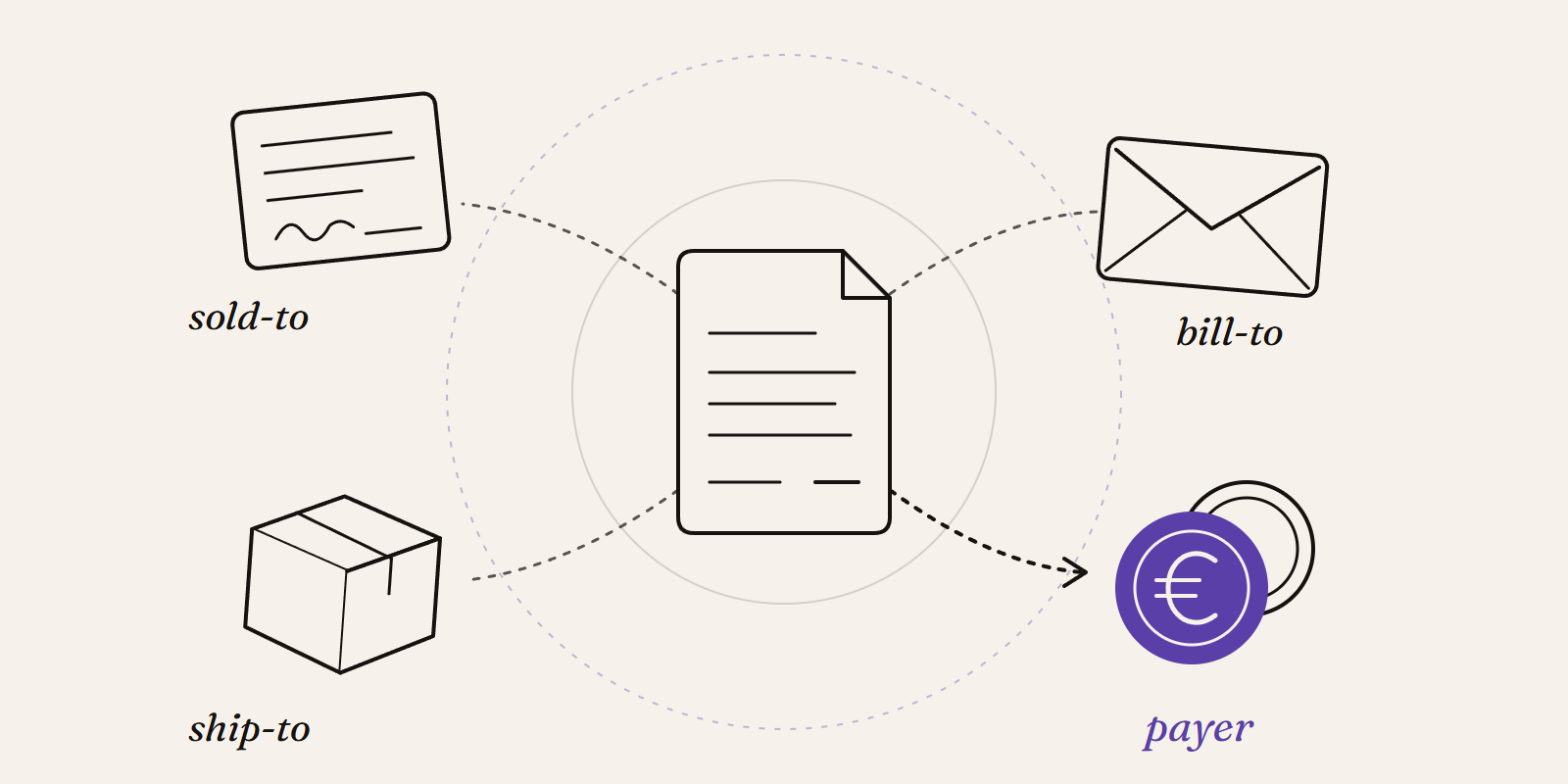
Sold-to, ship-to, bill-to and payer in SAP: who is actually your customer?
Sold-to, ship-to, bill-to and payer in SAP explained with a concrete example: who gets the invoice, whose account the receivable sits on, an...
New Data Panda connectors in August 2026
Seven new Data Panda connectors from August 2026: ECB rates, ProfitPlus Webshop, SAP S/4HANA, Exact Venice, OpusFlow, ABAX and Sprout Social...