Fabric capacity (F-SKU)
What is a Fabric capacity?
A Fabric capacity is the compute package you rent from Microsoft to run Fabric workloads. Without a capacity there is no lakehouse, no Direct Lake model, no notebook run, no pipeline. With a capacity, every Fabric component runs on a shared pool: Data Engineering, Data Warehouse, Real-Time Intelligence, Power BI and Data Science all share it.
A capacity sits at the tenant level (the Microsoft Entra level of the organisation). Workspaces hang below it, and inside those workspaces live the items you build: reports, models, notebooks, pipelines. Any workspace can be assigned to any capacity in the tenant.
Think of a Fabric capacity as a rental car. You pick a size that matches your usage, you pay per hour or per month, and you can size up when a big project needs more power temporarily.
Which SKUs exist?
The F-SKUs run from small to large: F2, F4, F8, F16, F32, F64, F128, F256, F512, F1024, F2048. The number after the F is the count of capacity units (CUs), the measure of available compute.
Each step doubles. F4 has twice the power of F2, F8 twice F4, and so on. An F64 delivers 64 CUs and matches the old P1 from Power BI Premium in compute. F2048 is the heaviest SKU and is aimed at enterprise workloads with thousands of users.
Alongside the F-SKUs there are also:
P-SKUs (P1 to P5)
The original Power BI Premium capacities. Microsoft is retiring them and steering new and existing customers to the F line. Anyone starting today picks F by default.
Trial
A trial capacity that runs for sixty days and behaves like an F64. Useful for building a Fabric proof of concept without paying.
A-SKUs and EM-SKUs
Limited capacities for embedded scenarios. Power BI items only, no other Fabric workloads.
What can you do on each SKU?
The differences are not only in raw power. Some features are tied to a minimum SKU.
F2 to F32
You can build Direct Lake, run notebooks and execute warehouse queries. Direct Lake models have caps: up to 10 to 40 GB on disk and up to 300 million rows per table.
F64
The threshold where a lot unlocks. Unlimited Direct Lake model size, up to 1.5 billion rows per table, 25 GB of memory. And, most importantly: free viewers can finally read along.
F128 and above
More memory (50 to 400 GB), more rows per table (up to 24 billion) and more throughput. Needed for large enterprises or for models on billion-row fact tables.
The F64 threshold
This is the detail that can flip the total cost of a Power BI rollout.
On an F-SKU smaller than F64, every viewer needs a Pro or PPU licence to open a report in a shared workspace. With ten Pro licences, that is fine. With a thousand, it is not.
From F64 onwards, users with a free Microsoft Fabric licence can view reports in workspaces on that capacity, provided they have a viewer role. For organisations that want to roll reports out broadly, F64 is therefore often the sensible minimum rather than F8 or F16.
With a few dozen viewers you save money with Pro licences. With a few hundred, F64 gets cheaper because of the free-viewer rule. With several thousand, the balance tips to F64 or higher very early.
F, P and PPU: how do you choose?
F (Fabric)
Default choice for new projects. Covers Power BI plus every other Fabric workload. Pay-as-you-go is available, so you can pause outside working hours.
P (Power BI Premium)
Legacy. Still works, but Microsoft is retiring the SKUs. No new purchases; existing customers are being migrated. P capacity only supports Fabric workloads once an admin enables Fabric explicitly.
PPU (Premium Per User)
A per-user licence with Premium features. Not a capacity, so no lakehouse, no notebook, no warehouse. Only makes sense if you want pure Power BI with fewer than around 250 users.
Pitfalls
Underestimated cost once you scale
F2 sounds cheap until you notice that Direct Lake models cross the guardrails and queries start failing. Size the SKU for the expected volume, not strictly what you need today.
Pausing is a feature, not a bug
On pay-as-you-go you can pause an F capacity outside working hours. A capacity that is off overnight and at weekends costs half. Do not forget that in the cost comparison.
Peaks do not disappear at once
Fabric smooths a short spike in CU usage over a time window. A heavy query can still echo afterwards and slow your capacity for a while, even though the query itself has finished. Monitor usage and step up a SKU early.
PPU and capacity get confused
A customer with fifty PPU licences sometimes thinks they can use Fabric. Not true: PPU does not provision a Fabric capacity. For a lakehouse, notebook, warehouse or Data Factory you need an F or P capacity.
A-SKUs and EM-SKUs do not solve a Fabric problem
Those SKUs are for embedded Power BI scenarios. They do not unlock other Fabric workloads and often end in confusion when a team thinks this is the "cheap Fabric" option.
Keywords
fabric capacity
f-sku
capacity unit
microsoft fabric
power bi premium
ppu
pay as you go
p-sku
licensing
workspace
fabric licensing
onelake
From the blog.
More pieces from the field on the same topic.
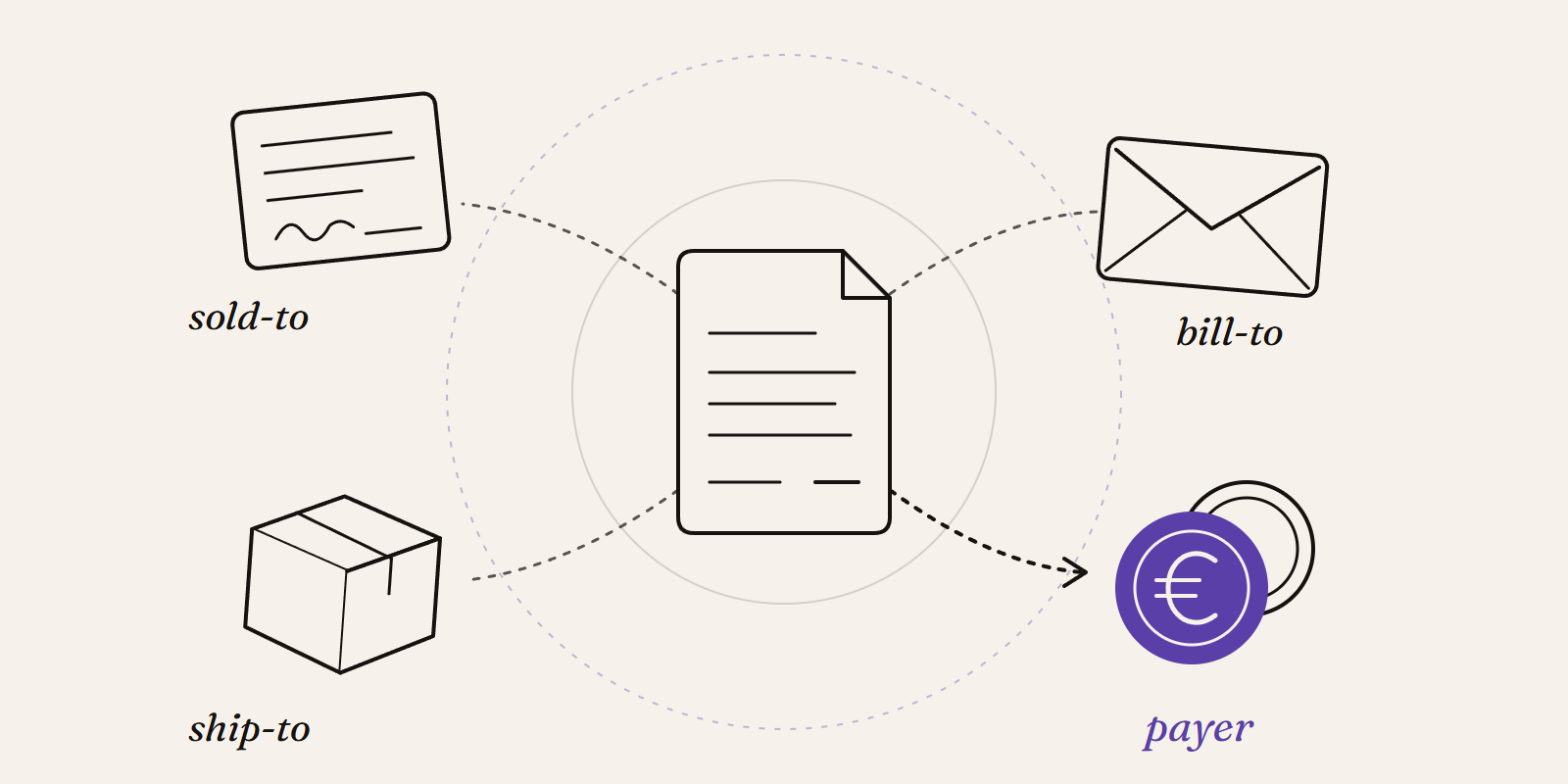
Sold-to, ship-to, bill-to and payer in SAP: who is actually your customer?
Sold-to, ship-to, bill-to and payer in SAP explained with a concrete example: who gets the invoice, whose account the receivable sits on, an...
Version control for Power BI
Simple guide to set up version control for Power BI using PBIP, Git and clean repo structures. Learn branching, deployments and safe AI work...