Microsoft Copilot
What is Microsoft Copilot?
Microsoft Copilot is the umbrella name for every AI assistant Microsoft embeds in its products. You will find a Copilot in Word, Excel, Outlook, Teams, Windows, GitHub, Power BI, and Microsoft Fabric. They all share the same idea: a language model that understands your data and works next to you on concrete tasks.
Under the hood, Copilots run on large language models from OpenAI (GPT-4.x, GPT-5 variants) and now Microsoft's own models too. Those models reach your documents, mails, chats, and reports through Microsoft Graph and Azure connectors, always within the permissions the user already has.
You can think of Copilot as a colleague looking over your shoulder in your business applications. It knows the context, respects access rules, and can take action inside the tool you are already using. Whether that is summarising a table in Excel or writing a DAX formula in Power BI.
Which Copilots exist?
Microsoft 365 Copilot
The assistant inside Word, Excel, PowerPoint, Outlook, and Teams. Summarises mail, drafts slide decks from a document, writes first-pass text, and pulls information from SharePoint and OneDrive. Needs a separate licence on top of Microsoft 365 and falls under strict data guarantees.
Copilot for Power BI
Inside Power BI, Copilot helps build reports, summarise insights, and write DAX formulas in natural language. Once enabled against a semantic model it also answers questions like why did revenue drop in the North region?.
Copilot for Microsoft Fabric
Across Microsoft Fabric: data engineering, dataflows, notebooks, Data Factory. Generates PySpark code, builds pipelines from a description, and explains or rewrites SQL queries.
Copilot Studio
A low-code environment to build your own Copilot, formerly known as Power Virtual Agents. Combine knowledge sources (SharePoint, websites, databases), actions (through Power Automate, MCP servers, or connectors), and plugins into a custom agent that you publish in Teams, on a website, or inside M365 Copilot itself.
GitHub Copilot
The original Copilot, for developers. Autocomplete, chat, and now full agents inside the IDE. Licensed separately and not tied to M365.
Copilot in Windows
A more general assistant at the operating system level, with access to apps, files, and settings.
How a Copilot works under the hood
Every Copilot scenario rests on the same three building blocks.
Grounding layer
The Copilot first searches for relevant context: documents, mails, reports, database columns. This happens through RAG over Microsoft Graph and your own sources in Fabric or SharePoint. Only information the signed-in user is allowed to see ends up in context.
Language model
The retrieved context goes along with the question to a large language model hosted in Azure. The answer is generated, with citations wherever possible.
Action layer
Some Copilots go beyond answering: drafting a mail in Outlook, adding a visual to a Power BI report, starting a flow in Power Automate. These actions are always shown to the user for approval.
Copilot and your business data
The most common question about Copilot is about data: what happens with our information?. Microsoft holds three core promises for commercial Copilots.
Your data stays in your tenant. Whatever Copilot pulls from SharePoint or Fabric is not shared with OpenAI and not used to train public models.
Existing permissions apply. Copilot only shows information the user is already allowed to see. That also means a sloppily shared folder suddenly becomes far more visible through natural language. Oversharing is the biggest practical risk in most Copilot rollouts.
Auditable through Microsoft Purview. You can trace which prompts were asked, which sources were touched, and which answers were returned. Essential for regulated industries.
Pitfalls
Underestimating the groundwork
Copilot only shines when your tenant is in order: permissions cleaned up, metadata filled in, sensitive files labelled. Many Copilot projects fail not on the AI but on the underlying information architecture.
Hallucinations are still possible
Even with grounding, Copilot sometimes answers incorrectly. For high-impact decisions, human-in-the-loop remains the rule.
Licensing cost
M365 Copilot sits at around 30 euros per user per month at the time of writing. For 10,000 employees that is 3.6 million euros a year. Map out up front who really benefits from the licence before a blanket rollout.
Fragmentation
The number of Copilots keeps growing and they look alike. Pick your entry points deliberately: M365 for knowledge workers, Fabric for data teams, Copilot Studio for custom work. Rolling out everything at once leads to confusion.
Keywords
microsoft copilot
copilot
m365 copilot
fabric copilot
power bi copilot
copilot studio
azure openai
llm
ai
generative ai
microsoft fabric
power bi
From the blog.
More pieces from the field on the same topic.
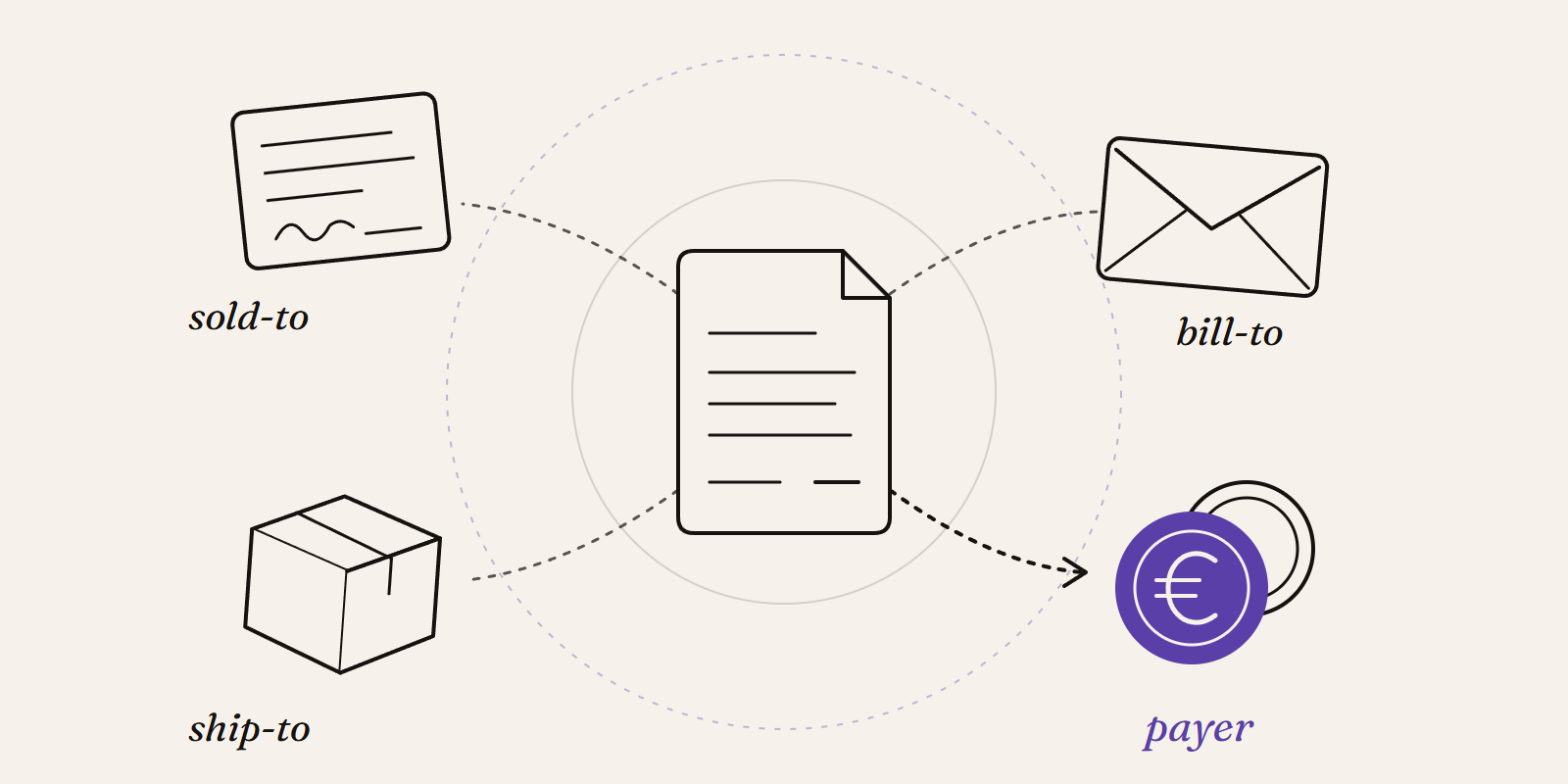
Sold-to, ship-to, bill-to and payer in SAP: who is actually your customer?
Sold-to, ship-to, bill-to and payer in SAP explained with a concrete example: who gets the invoice, whose account the receivable sits on, an...
New Data Panda connectors in August 2026
Seven new Data Panda connectors from August 2026: ECB rates, ProfitPlus Webshop, SAP S/4HANA, Exact Venice, OpusFlow, ABAX and Sprout Social...