Power Automate
What is Power Automate?
Power Automate is a Microsoft tool for automating tasks and processes without writing code. It is part of the Power Platform, alongside Power BI, Power Apps, and Power Pages. You build a flow step by step: pick what kicks it off (the trigger), then decide which actions follow.
A simple example: when someone fills in a form or shares a file in Teams, Power Automate can send an approval request automatically and store the approved version in a central SharePoint folder. The process keeps moving without anyone chasing it.
How does it work?
Power Automate is built on three core ingredients:
Triggers: what starts the flow, such as a new email or a file being added to a folder.
Actions: what should happen next, like sending a message, saving data, or asking for approval.
Connectors: the integrations with other tools. Power Automate ships with hundreds of connectors, both inside Microsoft 365 (SharePoint, Outlook, Teams) and outside it (Slack, Dropbox, Salesforce, and many more).
You build the flow visually in the browser. Every step is a block, which makes the process easy to follow, change, or hand over to a colleague.
What do you use Power Automate for?
Power Automate covers a wide range of use cases, from personal productivity to company-wide automation. Some typical examples:
Saving email attachments straight into SharePoint.
Approval flows for documents, expenses, or purchase requests.
Automatic Teams notifications when a new form is submitted or a file is uploaded.
Recurring reminders or status reports by email.
Syncing data between Excel, SharePoint, and Dataverse.
Following up on support tickets or project tasks.
With Power Automate Desktop you can also automate actions on your local machine, such as clicking, copying, and pasting in older programs that have no API. That brings classic RPA capability into the same toolset.
Power Automate inside the Power Platform
Inside the Power Platform, Power Automate is the automation layer. Power Apps lets you build screens and forms, Power BI handles reporting, and Dataverse is the shared data layer. Power Automate is what wires those pieces together so data flows between them automatically.
For example: an employee fills in a Power App. Power Automate processes that input, sends an approval request through Teams, and stores the result in Dataverse. Power BI then reads that data for analysis. The tools work together as one system instead of as separate islands.
Who is it for?
Power Automate works for individuals and for large organisations alike. Anyone can build small automations that save a few minutes a day. Teams can put bigger processes in place that span multiple departments. Companies can govern flows centrally with clear ownership and access rules.
Governance and management
To keep Power Automate safe and manageable, a few habits go a long way:
Use service accounts for business-critical flows so they keep running when someone leaves the company.
Separate test and production flows using environments.
Apply Data Loss Prevention policies to control which connectors can be combined. Without this, a flow could push sensitive data outside the organisation.
Document every flow: purpose, owner, frequency, and the data it touches. A flow that feels obvious today is rarely obvious a year later.
Use the Centre of Excellence (CoE) dashboard to keep an overview of every flow in your tenant.
Keep flows tidy with clear names and descriptions.
Add error handling and alerts on failed runs. You want to hear about a broken flow from the system, not from an angry colleague in the business.
Review flows once a year and switch off the ones nobody uses anymore.
When to pick Power Automate, and when to pick something else
Power Automate is ideal for standard processes inside Microsoft 365 and for automation with limited complexity. For heavier workloads or large-scale integrations, other tools are usually a better fit:
Azure Logic Apps for more scale, version control, and developer-grade tooling.
Azure Data Factory or Microsoft Fabric for data movement and transformation at scale.
UiPath or other dedicated RPA tools for heavy desktop automation.
Power Automate is one of several tools available for process automation. It works best for personal productivity and team workflows inside a Microsoft environment. For anything heavier, reach for one of the tools above.
Keywords
Power Automate
Microsoft Power Platform
process automation
workflow automation
no-code
Power BI
Power Apps
Microsoft 365
Dataverse
RPA
workflow engine
From the blog.
More pieces from the field on the same topic.
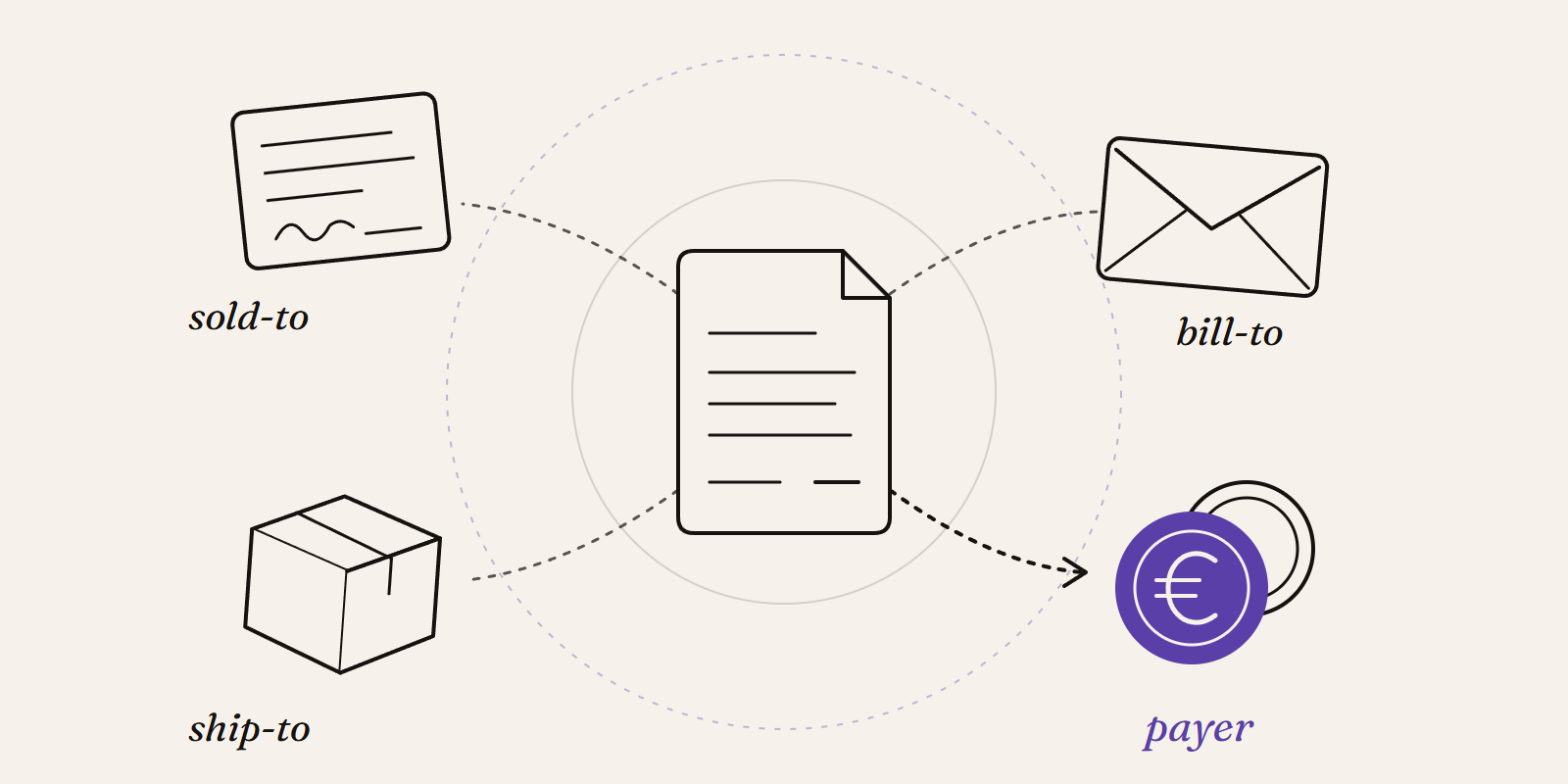
Sold-to, ship-to, bill-to and payer in SAP: who is actually your customer?
Sold-to, ship-to, bill-to and payer in SAP explained with a concrete example: who gets the invoice, whose account the receivable sits on, an...

How to enable the Power BI Desktop Bridge (and the CLIs the docs leave out)
The June 2026 Power BI Desktop Bridge lets an agent build and verify reports. Here is how to enable it and install the two CLIs the docs lea...