Power Query
What is Power Query?
Power Query is the transformation layer Microsoft has placed on top of almost every data tool in its portfolio. You find it in Power BI, Excel, Microsoft Fabric (as Dataflows Gen2), Power Apps, and Dynamics 365. Wherever you pull data from a source and need to clean, reshape, or combine it before use, Power Query is the tool.
Its strength lies in combining a visual editor with a real language underneath. You click columns together, filter out rows, and rename fields, while Power Query builds up an expression in the M language in the background. That expression runs deterministically on every refresh: same order, same outcome.
Think of Power Query as a kitchen robot. You set the recipe once (chop, mix, cook), and on every refresh it produces the same dish without further thought.
What makes Power Query strong?
Non-destructive
The source data never changes. Power Query builds a stack of transformation steps that you can edit, remove, or reorder without losing anything.
Accessible through clicks
Business users can handle 80 percent of their work without writing a single line of code. Filter, merge, split columns, change data types: all through the editor.
Powerful through code
Once you outgrow clicks, M is there for more complex logic: loops, recursion, custom functions, error handling, dynamic sources.
Query folding
Power Query tries to translate your steps back into the source language (SQL, OData, KQL). Steps that can fold run on the source itself rather than locally. That saves a huge amount on large datasets.
Broad connectors
Over 150 source systems are supported: SQL databases, SharePoint, REST APIs, SAP, Salesforce, local files, web pages. When one is missing, you can write a custom connector.
The M language
M (officially Power Query Formula Language) is functional and expression-based. A query is one big expression with a series of let bindings and an in result.
let
Source = Sql.Database("server", "db"),
Customers = Source{[Schema="dbo", Item="Customer"]}[Data],
ActiveCustomers = Table.SelectRows(Customers, each [Status] = "Active")
in
ActiveCustomers
M is case-sensitive, type-aware, and has built-in data types for tables, records, lists, and functions. It feels strange to SQL or DAX writers, but it is deliberately consistent: one paradigm throughout.
In 95 percent of cases you do not write M by hand. But when you need custom functions, dynamic parameters, paginated API retrieval, or advanced error handling, you reach for it quickly.
Power Query versus DAX
New Power BI users often confuse Power Query with DAX. Both are formula languages in Power BI, but they do very different things.
Power Query (M) prepares data at refresh time. Shape, clean, combine, denormalise. The result lands in the tables of your semantic model.
DAX calculates against those tables while the report is viewed. Measures, calculated columns, time intelligence. It works with data that Power Query has already placed.
Rule of thumb: anything that happens once per refresh belongs in Power Query, anything that needs to be recomputed interactively per visual belongs in DAX. Pushing heavy work to refresh always beats doing the same logic in DAX on every interaction.
Dataflows Gen2 in Fabric
In Microsoft Fabric, Power Query returns as Dataflows Gen2. Same editor, same M language, but with two important differences:
Output to OneLake: a Dataflow Gen2 writes its result as a Delta table, usable by the rest of Fabric (Lakehouse, Warehouse, Notebooks, Power BI).
Higher scale: Dataflows Gen2 run on Spark compute instead of the single-machine engine of Power BI dataflows Gen1.
Teams that were already using Power Query in Power BI can often lift and shift their transformations to Fabric and enjoy better performance and reuse.
Pitfalls
Ignoring query folding
Put steps in the wrong order and you break folding. A filter after a mapped calculation, or a merge with a text file, suddenly pulls everything local. Check View Native Query to confirm folding still holds.
Transformations that belong in the source
Heavy denormalisation, large joins, and historical calculations belong in an upstream ETL/ELT layer, not in Power Query. Use Power Query for the last mile, not for your whole pipeline.
Many small queries instead of one large one
Power Query runs queries in parallel, which can slam the source with dozens of simultaneous connections. Group queries or use a staging approach for large refreshes.
No source version control
M code is hidden in a PBIX or Dataflow. Power BI Projects (PBIP) and Dataflows Gen2 now expose exportable M scripts. For critical transformations, Git versioning is a must, not a nice-to-have.
Keywords
power query
m language
power bi
excel
fabric dataflows
data transformation
etl
self-service
query folding
dataflow gen2
From the blog.
More pieces from the field on the same topic.
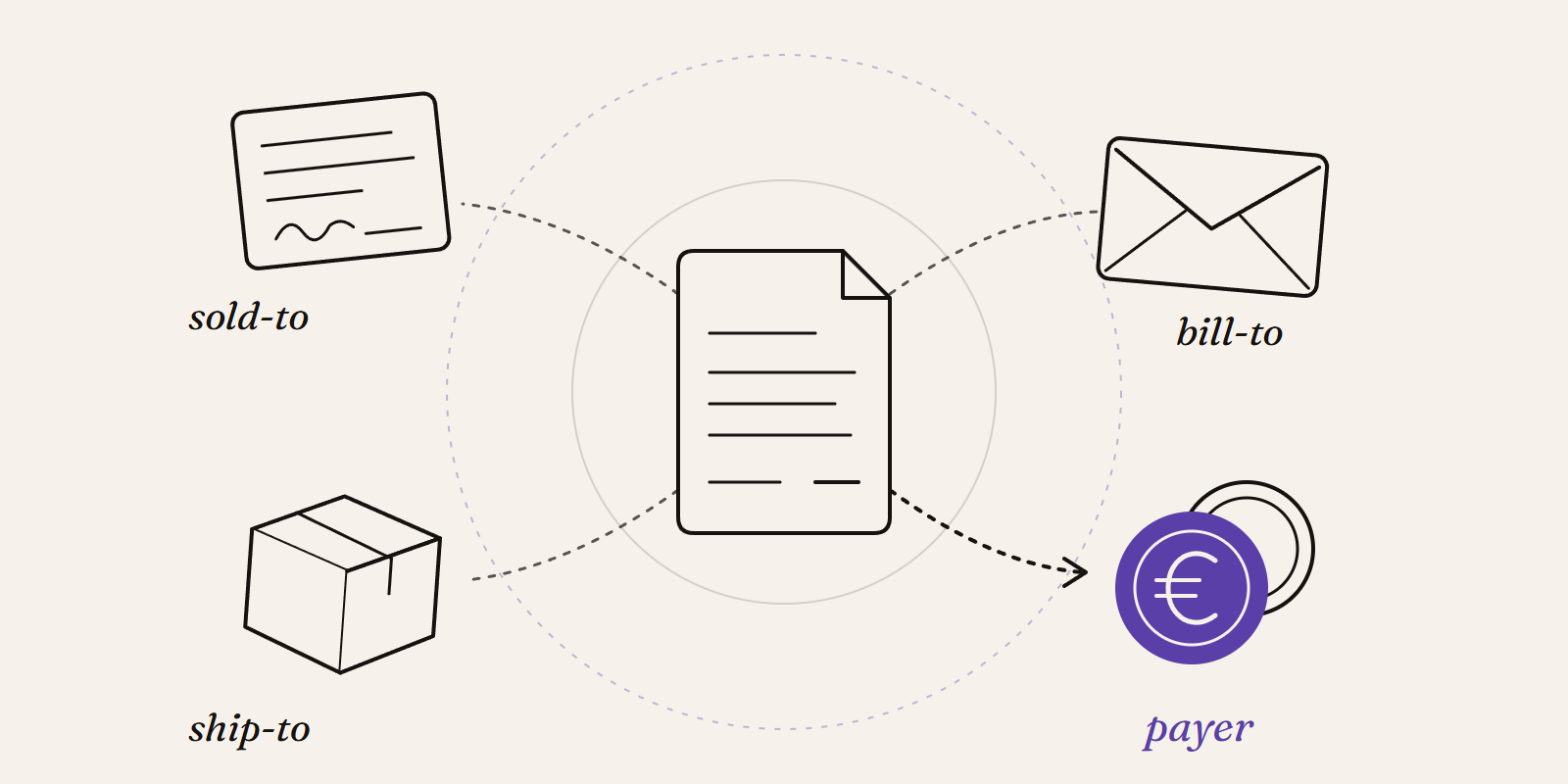
Sold-to, ship-to, bill-to and payer in SAP: who is actually your customer?
Sold-to, ship-to, bill-to and payer in SAP explained with a concrete example: who gets the invoice, whose account the receivable sits on, an...
How to enable the Power BI Desktop Bridge (and the CLIs the docs leave out)
The June 2026 Power BI Desktop Bridge lets an agent build and verify reports. Here is how to enable it and install the two CLIs the docs lea...