Incremental refresh
What is incremental refresh?
Incremental refresh is a Power BI and Fabric feature that only picks up new or changed data on every refresh, instead of loading the whole table from scratch. You decide how much history to keep (say three years) and which window to reload (say the last two days). Everything outside that window stays untouched.
Under the hood, Power BI splits your table into partitions per day, month, quarter, or year. Only the partitions inside the refresh window are reloaded. The rest stays as it is, saving huge amounts of time and compute.
Picture incremental refresh as maintaining an archive. You do not walk through the entire archive every evening, just the latest files and maybe those from the past week where corrections are still happening. The 2019 folders stay closed.
Why is incremental refresh important?
A classic full refresh scales poorly. Three problems start hurting once you pass a few tens of millions of rows:
Duration
A full refresh of 200 million rows can take hours. You miss refresh windows, you block the source, and you hit the limits of your capacity.
Source load
Every full refresh asks the source to spit out millions of rows again. For a busy OLTP database, that is painful.
Capacity
The refresh consumes your Power BI Premium or Fabric capacity. A refresh that fails in the middle of the night means an empty day for the business the next morning.
Incremental refresh limits the work to the partitions that actually need it. A big table's refresh drops from hours to minutes.
How do you set incremental refresh up?
The process has three steps, mostly in Power BI Desktop.
Create filter parameters. You create two datetime parameters: RangeStart and RangeEnd. The names matter, Power BI looks for them by name.
Apply the filter in Power Query. Filter the date column between RangeStart and RangeEnd. This tells Power BI which column is the time key. Importantly, this filter has to fold, otherwise the benefit disappears.
Configure the incremental refresh policy. In the table settings, enable the policy: how much history to keep (for example five years) and how many recent periods to reprocess (for example the last ten days). Optionally turn on detect data changes, where Power BI hashes each partition and only reloads where the hash changed.
On first publish and refresh in the Power BI service the engine builds every partition. After that it refreshes only the moving window.
Incremental refresh in Fabric
In Microsoft Fabric the picture changes.
Classic semantic models
Incremental refresh works identically to Power BI Premium. You can tune partition size and refresh window more finely through XMLA endpoints and Tabular Editor.
DirectLake
When your semantic model uses DirectLake, incremental refresh is no longer needed. DirectLake reads Delta tables straight from OneLake and has no refresh step at the Power BI layer. Incremental logic moves to the data engineering side through ETL/ELT pipelines or CDC on the source table.
Advanced options
Hybrid tables
You can combine incremental refresh with a DirectQuery partition for the most recent data. Historical months sit in Import partitions (fast), the current day in DirectQuery (live). Best of both worlds without building composite models yourself.
Detect data changes
For historical partitions that sometimes change retroactively (corrections, backdates), detect data changes based on a ModifiedDate column selectively reloads only the affected partitions. Preserves correctness without a big performance hit.
XMLA endpoint management
Through Tabular Editor or SSMS you can refresh, split, or merge partitions manually. Useful for one-off corrections or for tuning your partition strategy.
Pitfalls
Filter that does not fold
If Power Query cannot translate the RangeStart/RangeEnd filter back to the source, it pulls everything and filters locally. The feature still runs, but the win disappears. Check View Native Query to confirm the filter really hits SQL.
Tables without a reliable date column
Incremental refresh hinges on a datetime column. When that column is unreliably maintained in the source, you get gaps or duplicates. Enforce a strict LoadedOn or ModifiedOn column.
Schema changes in the source
Column type or name changes sometimes force you to rebuild the whole table. Schedule schema changes for a refresh window that allows that.
Historical corrections
Data that sometimes changes retroactively (for example accounting adjustments to old months) is missed when your refresh window is too short. Extend the window or use detect data changes.
Publishing overwrites partitions
A plain republish of the PBIX from Desktop wipes your partitions. Use PBIP projects and XMLA deployment pipelines to avoid that.
Keywords
incremental refresh
power bi
fabric
semantic model
partitions
refresh
vertipaq
xmla endpoint
direct lake
performance
From the blog.
More pieces from the field on the same topic.
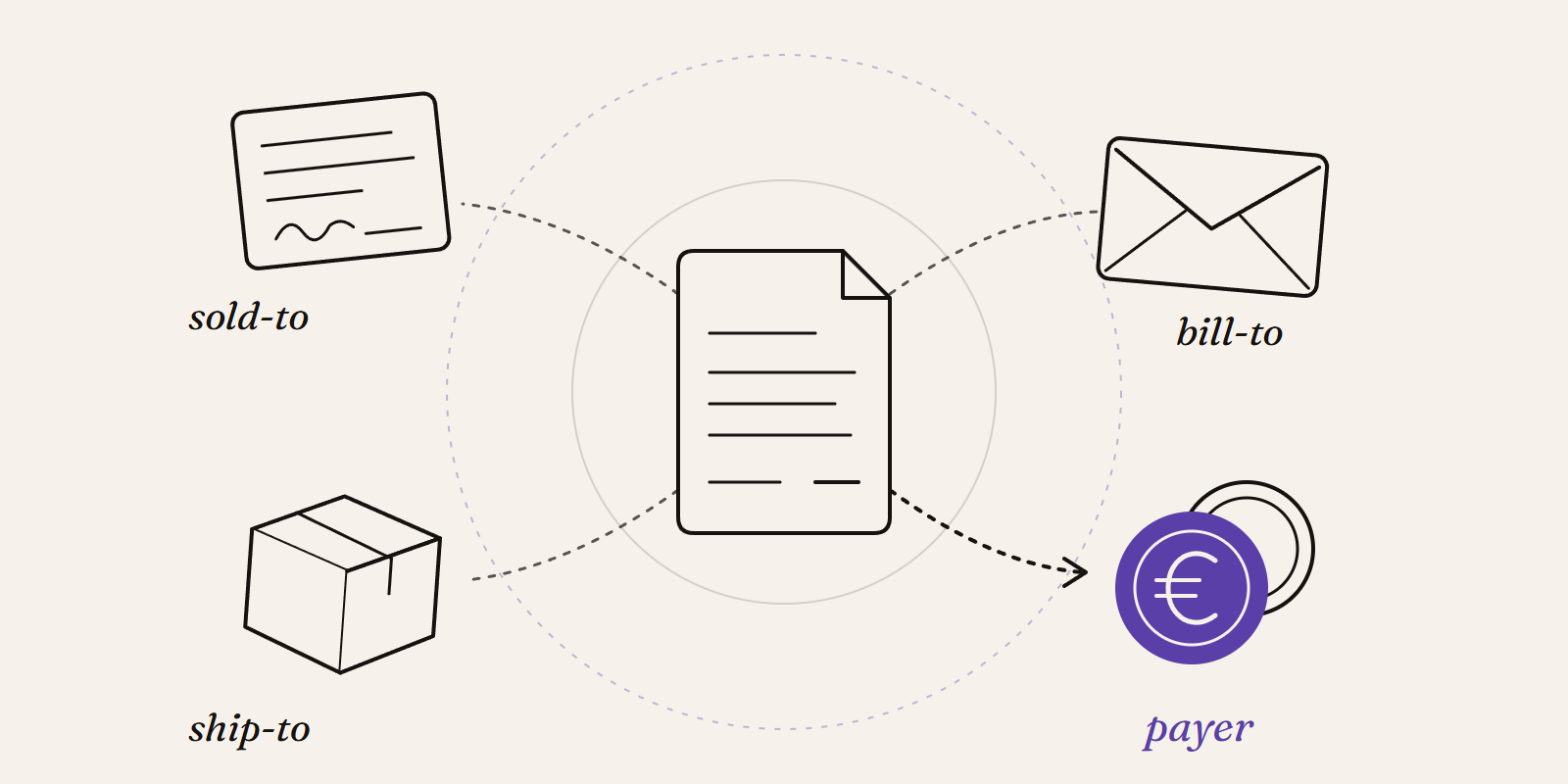
Sold-to, ship-to, bill-to and payer in SAP: who is actually your customer?
Sold-to, ship-to, bill-to and payer in SAP explained with a concrete example: who gets the invoice, whose account the receivable sits on, an...
New Data Panda connectors in August 2026
Seven new Data Panda connectors from August 2026: ECB rates, ProfitPlus Webshop, SAP S/4HANA, Exact Venice, OpusFlow, ABAX and Sprout Social...